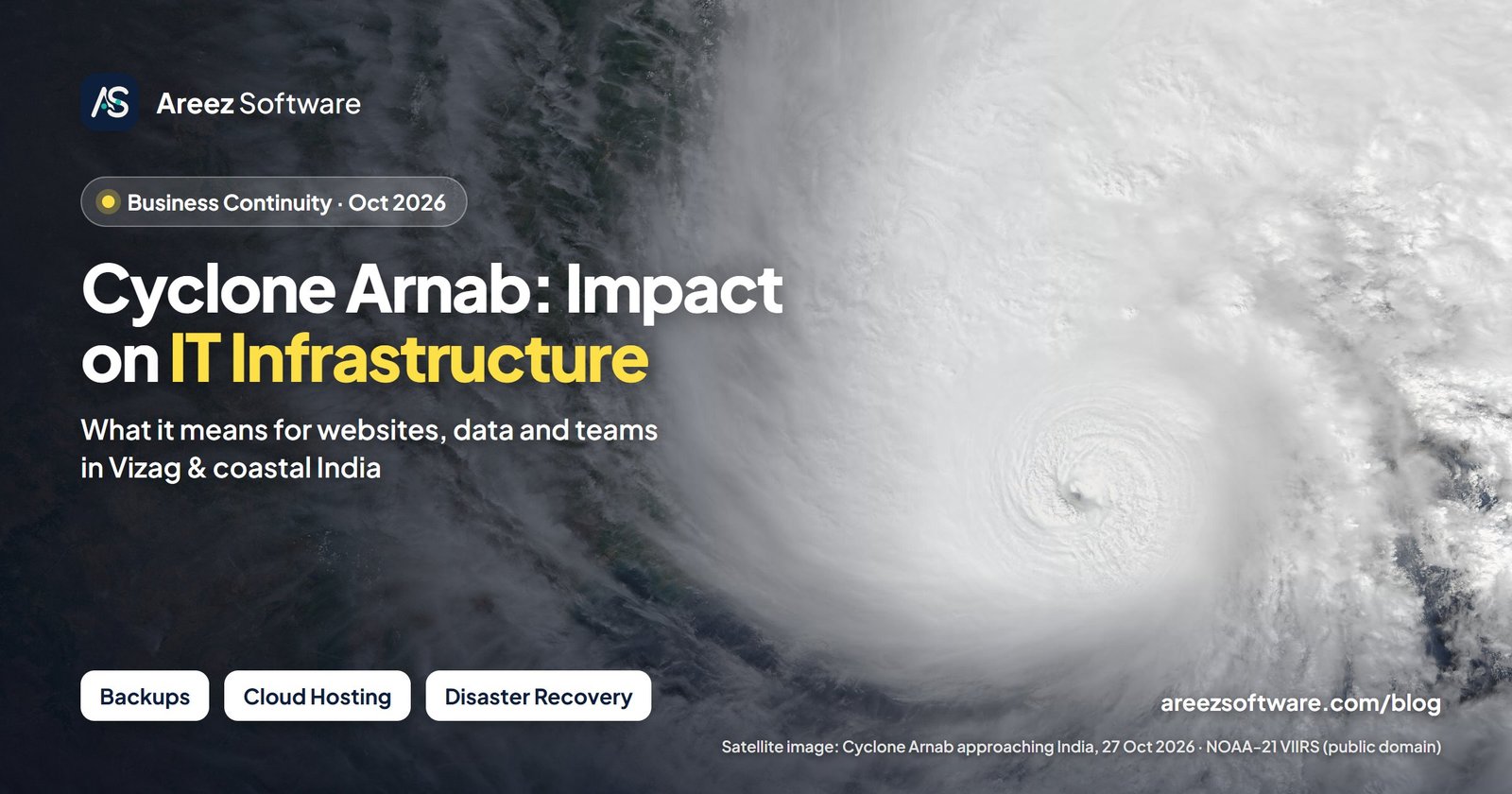
Cyclone Arnab: what we know so far
Here is what has been reported so far, based on India Meteorological Department (IMD) updates and state power companies, as shared in news coverage. We will update this section as more official information comes out.
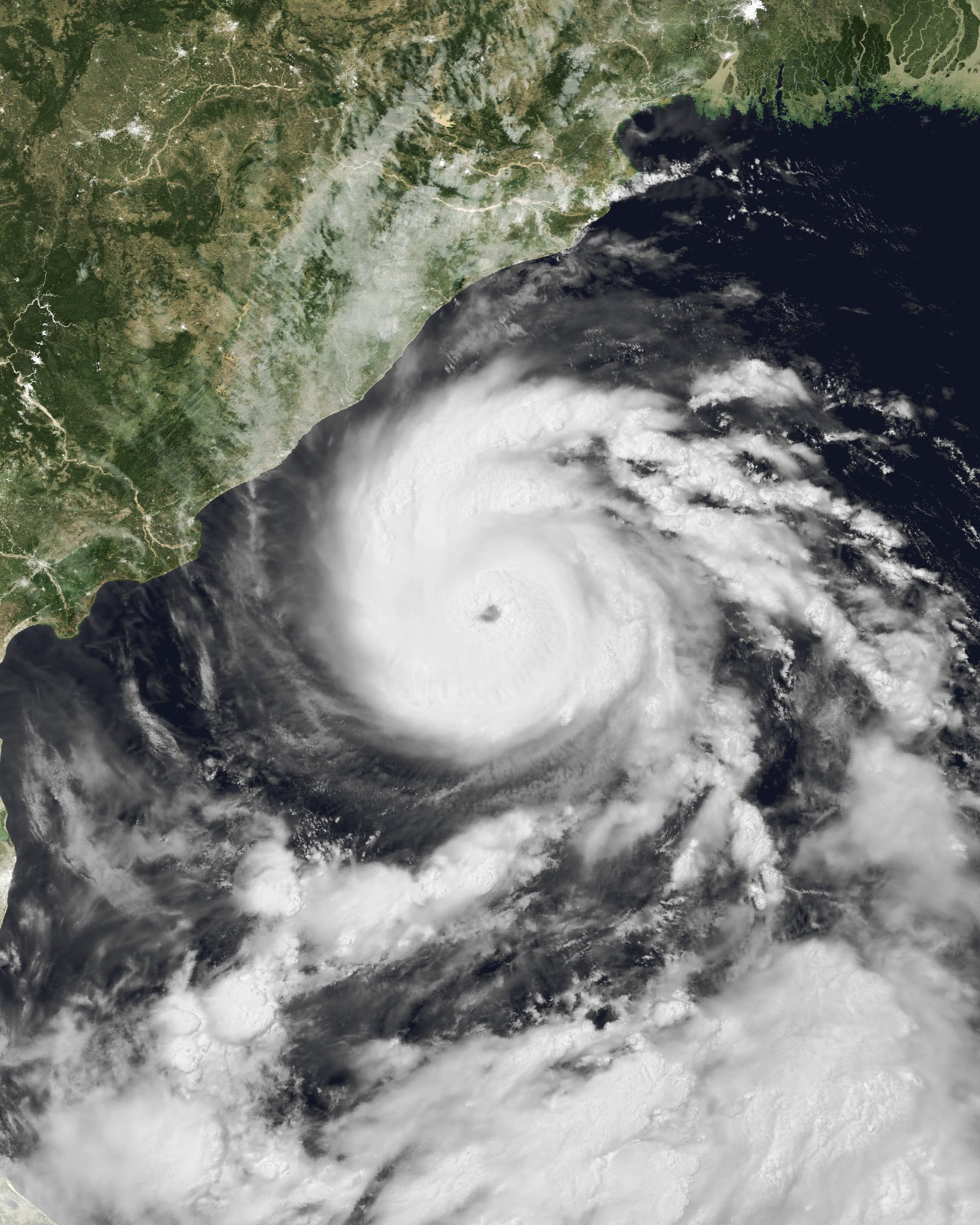
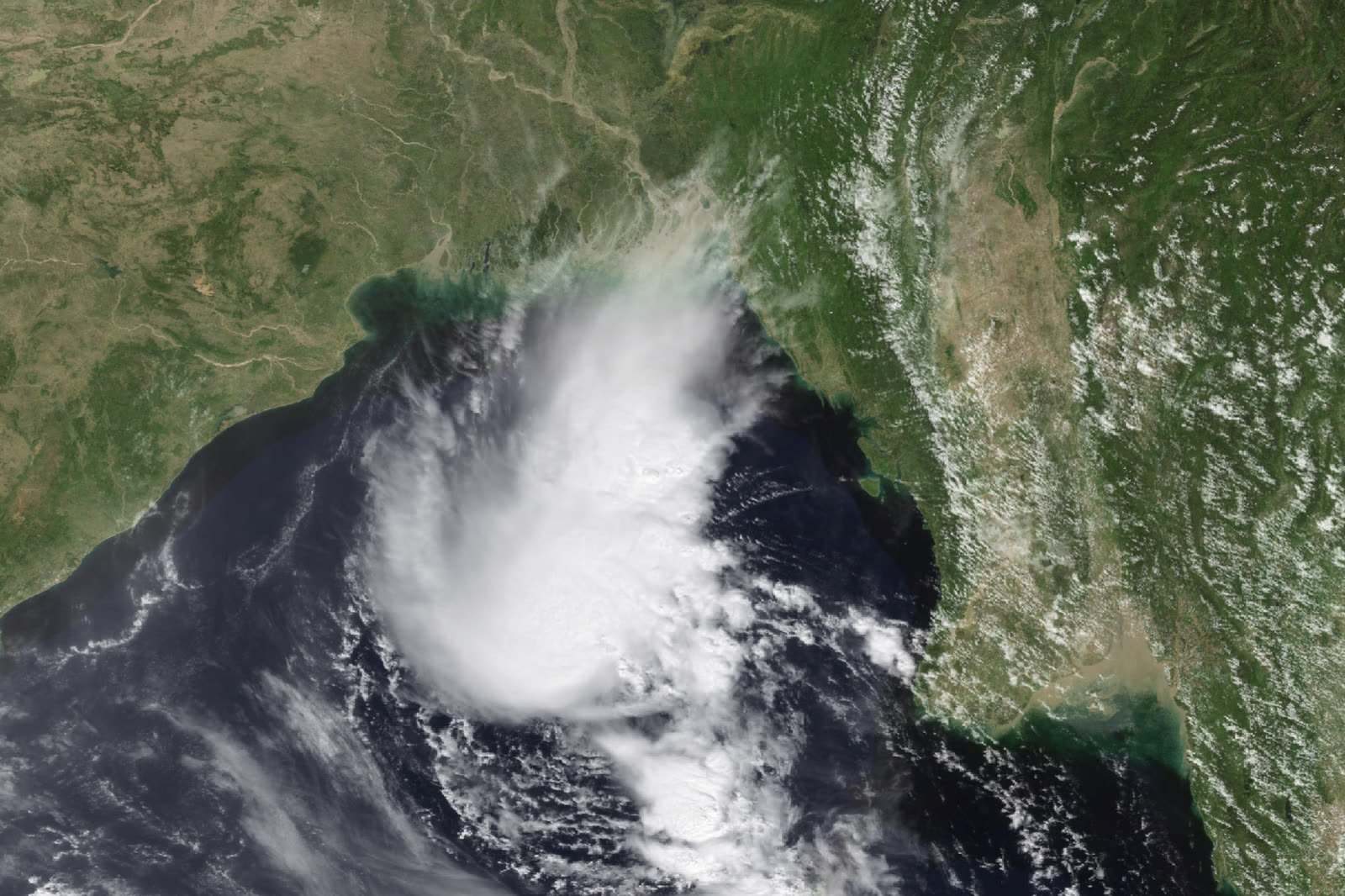
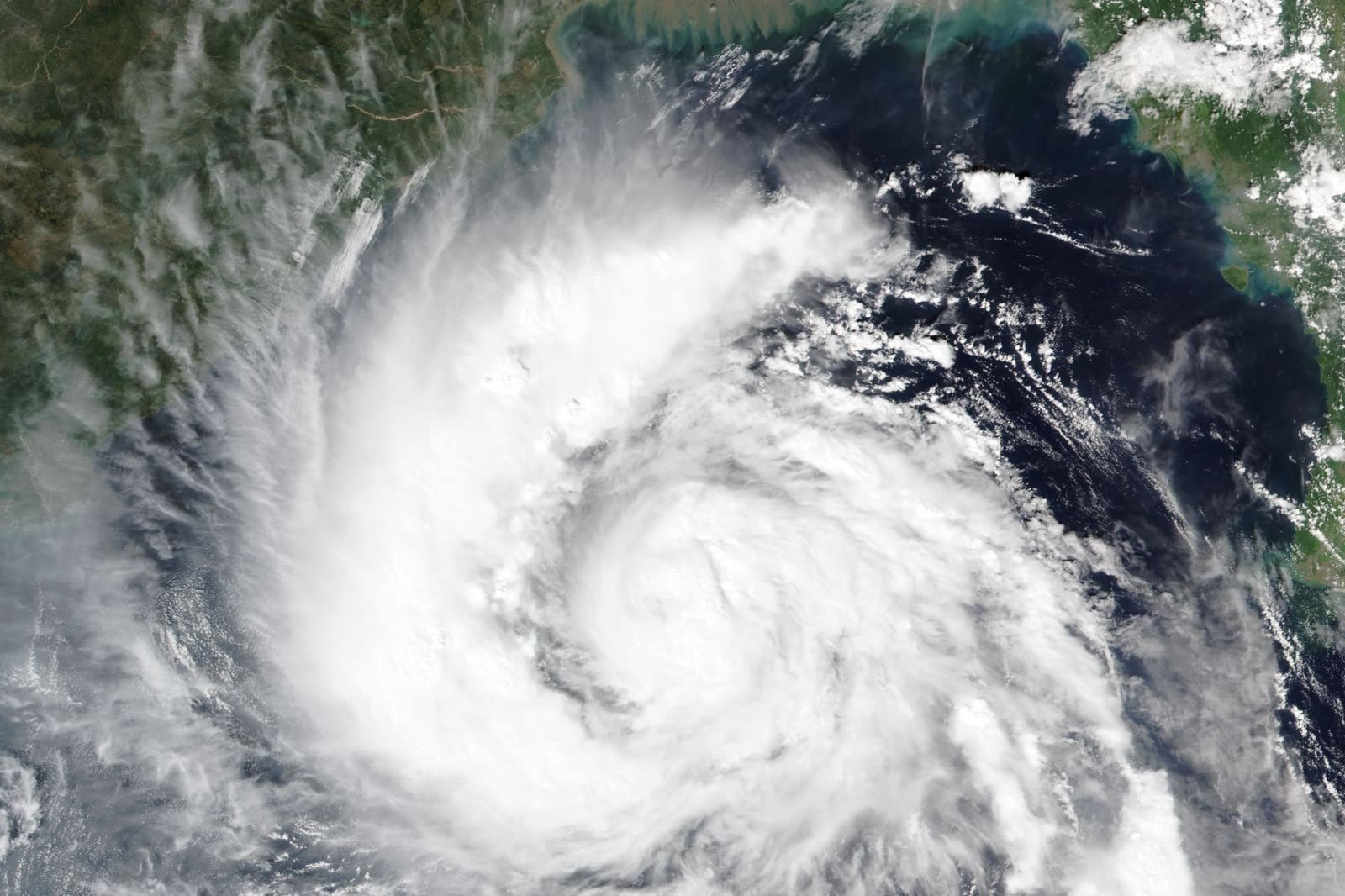
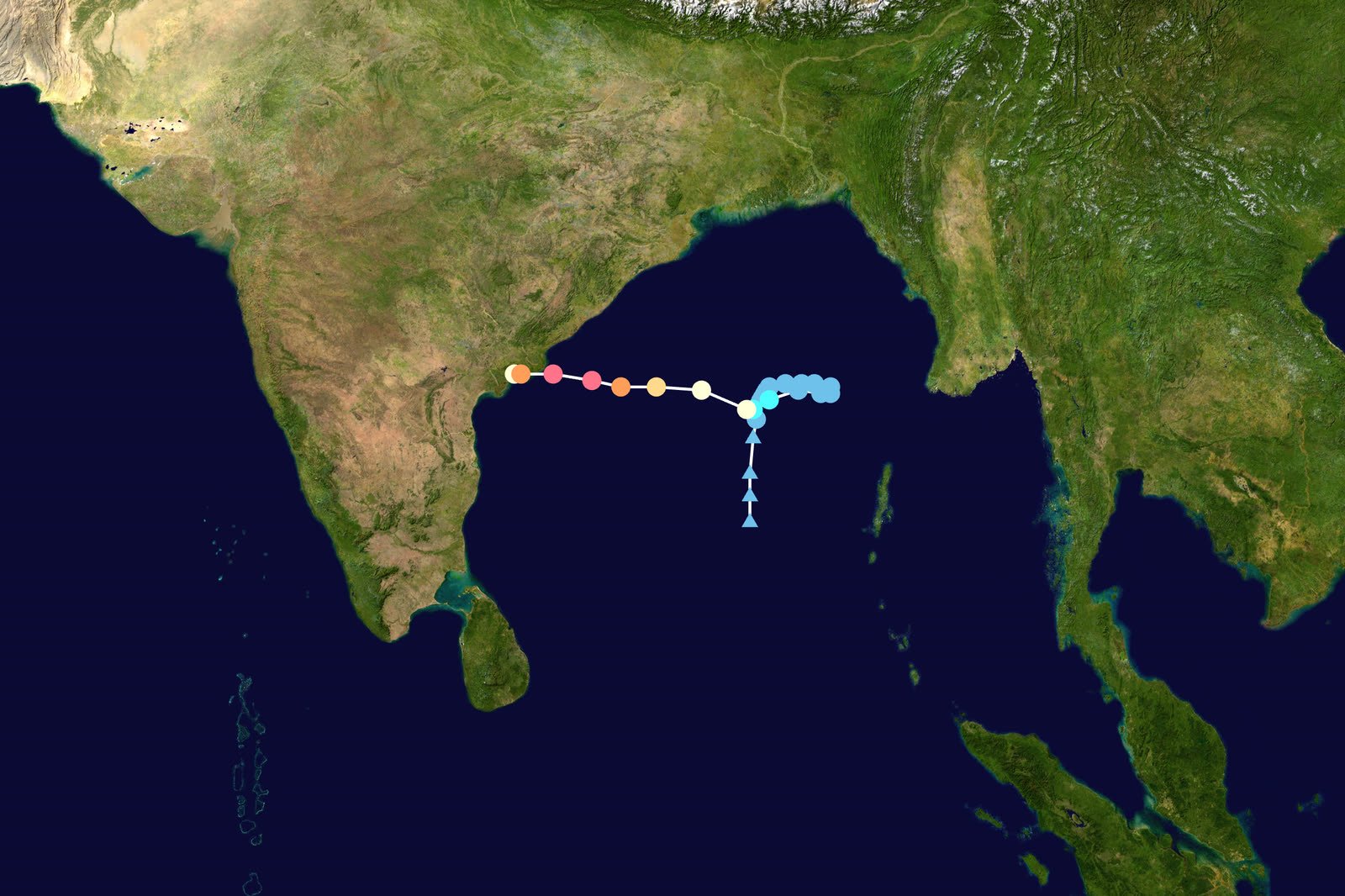
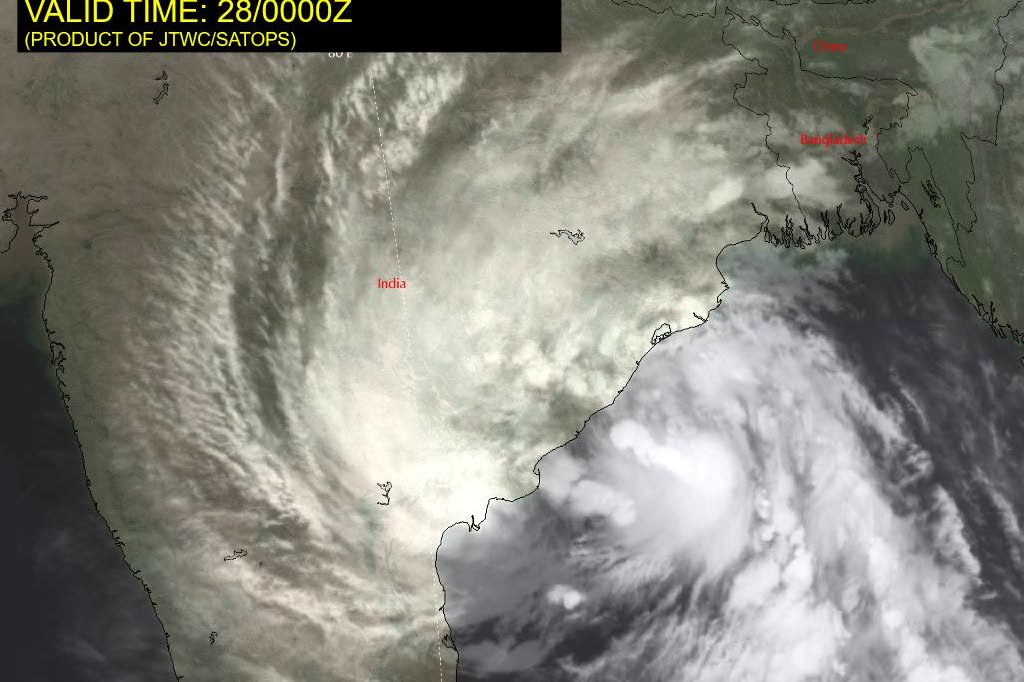
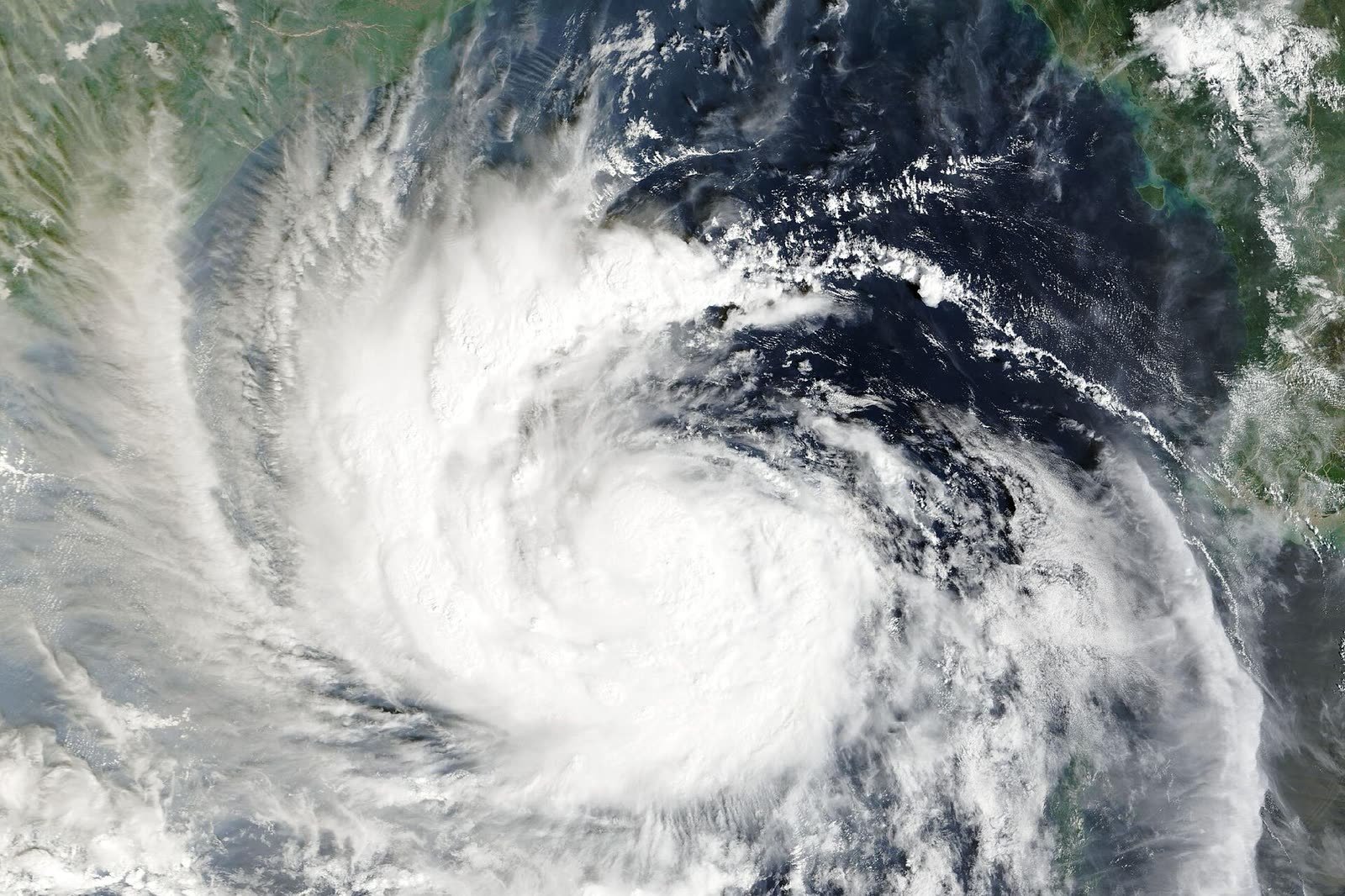
Real satellite images of Cyclone Arnab. For official, up-to-date images and warnings, see the IMD.
Confirmed so far
- Cyclone Arnab is a very severe cyclonic storm that formed over the Bay of Bengal. The name was given by Bangladesh and means “sea”.
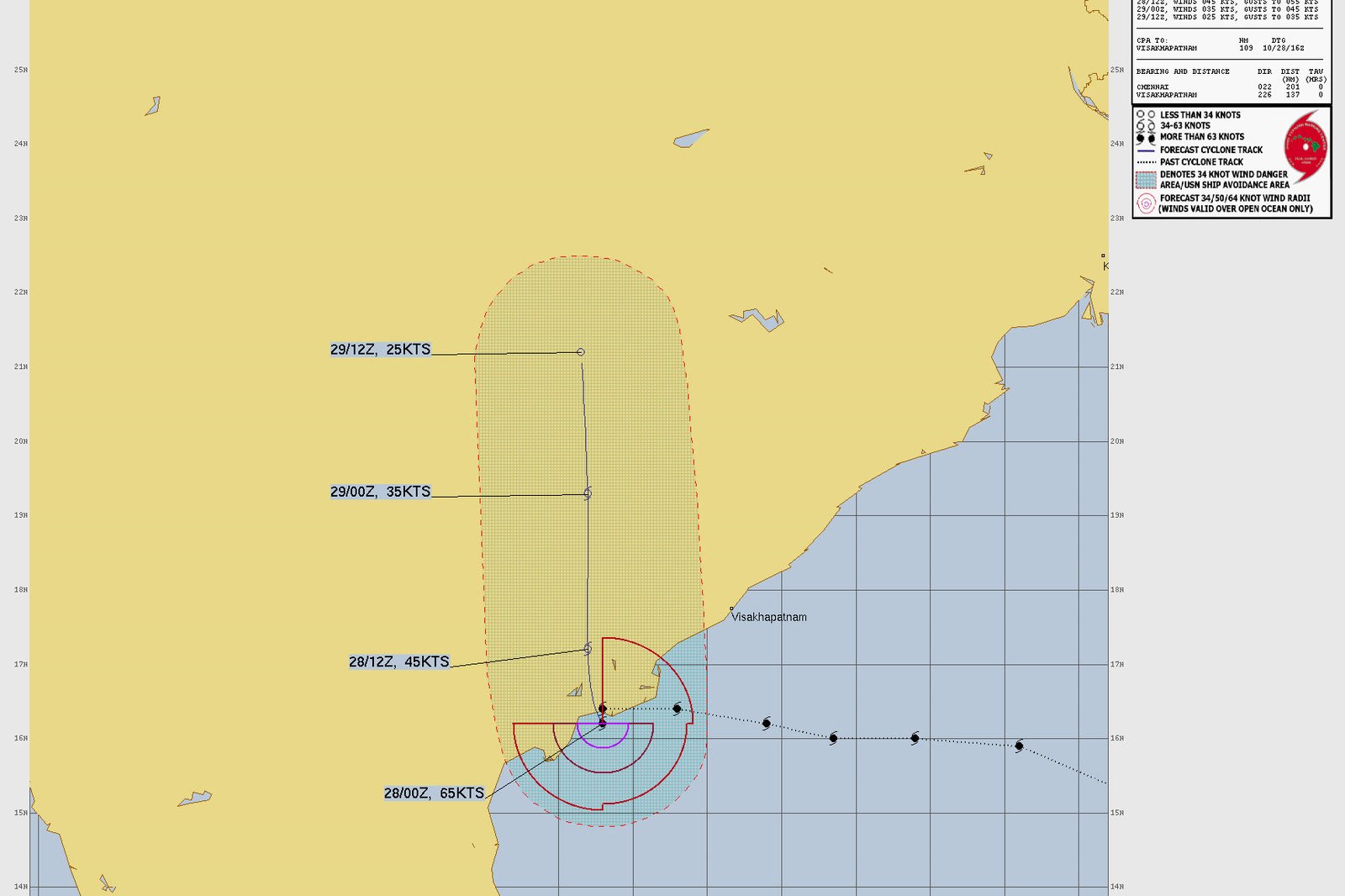
- Its landfall began around 1:30 am IST on 28 October 2026 near Narsapur in West Godavari district, Andhra Pradesh (IMD, as reported in live news coverage).
- Winds near the centre were reported at 125–135 km/h, with gusts up to 150 km/h. The storm weakened after crossing the coast.
- Very heavy rain hit coastal Andhra Pradesh. Visakhapatnam recorded about 217 mm in 24 hours. Heavy rain was also reported in Odisha, with warnings for other states.
- Andhra Pradesh power companies were put on high alert. APEPDCL alone set up 30 control rooms and kept 309 repair teams ready.
- Train services on Vijayawada and Visakhapatnam routes were affected, and schools were closed in several areas.
Not confirmed yet
- We have not seen official reports of large internet or mobile network outages caused by Cyclone Arnab so far.
- We have not seen reports of data centre or cloud outages linked to the cyclone.
Safety comes first. If you are in an affected area, follow the official advice of the IMD and your local administration. No computer or data is worth risking your life for.
The rest of this guide covers the general risks that any cyclone or extreme weather can bring to IT systems, and how to reduce them. They are not a report of what happened during Cyclone Arnab.
6 ways cyclones and extreme weather can hit IT and software businesses
When a big storm hits, these are the most common problems businesses face with their technology:
Power cuts
Strong winds bring down poles and wires. Offices, home routers and local servers stop working when the power goes, sometimes for hours or days.
Internet and mobile network problems
Mobile towers and fibre cables can be damaged, or lose power. Video calls drop, and staff cannot log in to work tools.
Website and app downtime
If your website runs on a computer in your office or a local server in the affected area, it can go offline. Customers then see an error page.
Data loss
Water, sudden power loss or damaged equipment can destroy computers and hard disks. Without a backup, that data may be gone for good.
Remote team cannot work
Developers and support staff may lose power, internet or access to office machines, so work and replies to customers get delayed.
Orders, payments and deliveries
Online stores may get fewer orders, payment issues and delivery delays. Customers need clear updates so they do not lose trust.
Will my website go down during a natural disaster?
The answer depends on where your website is hosted, not where your office is. A website lives on a computer called a server. If that server loses power or internet, the website goes offline.
| Where your website runs | Risk | Why | What to do |
|---|---|---|---|
| Website on a computer or server in your office | High | It goes offline whenever your office loses power or internet. | Move it to a good hosting or cloud provider. |
| Shared hosting in one data centre | Low–Medium | Data centres have backup power, but everything is in one place. | Keep daily backups stored somewhere else. |
| Cloud hosting with off-site backups | Low | Your site does not depend on your office, and copies of your data exist elsewhere. | Add uptime monitoring and test a restore once. |
Good news: most modern websites run in large data centres with backup generators, cooling and security. Even if your office is closed, your customers can still visit your website, place orders and send enquiries. See our cloud hosting and DevOps services.
Before a cyclone: a simple IT checklist
Do these things when a cyclone warning is issued, or better, today, before the next one:
- Take a full backup of your website, database and important files, and store a copy outside your office (cloud storage).
- Check that your website is hosted in a data centre or cloud, not on an office computer.
- Charge laptops, phones and power banks. Keep a UPS for your router and main computer.
- Keep a second internet option ready: a mobile hotspot on a different network (for example Jio and Airtel).
- Unplug and lift computers and equipment off the floor in flood-prone areas.
- Save important phone numbers offline: team, hosting company, internet provider and key clients.
- Tell customers early if delivery or support may be slower.
- Make sure at least two people know the passwords and steps to manage the website and servers.
During the storm: what to do
- Safety first. Follow official IMD and local government advice. Do not go out or touch electrical equipment in water to save a computer.
- Switch to backup internet and power. Use the mobile hotspot and power banks for urgent work only. Close heavy apps to save battery.
- Watch your website from your phone. Use a free uptime monitor so you get a message if your site goes down.
- Keep customers informed. Post a short update on WhatsApp, social media or a website banner: what is affected and when you will reply.
After the storm: how to get back to normal
- Check people first, then systems. Make sure your team is safe. Then check power, internet and equipment.
- Check your website and email. Open your site, place a test order or form, and send a test email.
- Look for data problems. Check that recent orders, enquiries and files are all there. Restore from backup if anything is missing.
- Write down what went wrong. Note what failed and how long it took to fix. Update your plan so next time is faster.
Data backup and cloud security, made simple
A backup is a spare copy of your data. If your computer or server is damaged, you use the backup to get everything back. The easiest rule to remember is the 3-2-1 rule:
copies of your data
Your main data plus two backups.
different places to store it
For example a cloud backup and an external drive.
copy outside your office
So one flood or fire cannot destroy all copies.
- Turn on automatic daily backups for your website and database
- Use strong passwords and two-step login for hosting and cloud accounts
- Keep backups in a different city or region from your main server
- Test a restore every few months. A backup you cannot restore is not a backup
A one-page business continuity plan (copy this template)
Business continuity planning simply means deciding in advance how your business will keep running during a problem. You do not need a big document. Copy this template, fill in the brackets and share it with your team:
BUSINESS CONTINUITY PLAN (1 page) – [YOUR BUSINESS NAME]

1. Key people
   - Main contact: [NAME, PHONE]
   - Backup contact: [NAME, PHONE]

2. Important services and logins (stored safely)
   - Website hosting: [COMPANY, SUPPORT NUMBER]
   - Domain and email: [COMPANY]
   - Payment gateway: [COMPANY]

3. Backups
   - What we back up: [website, database, accounts, files]
   - How often: [daily / weekly]
   - Where: [cloud storage + external drive]
   - Last restore test: [DATE]

4. If the office loses power or internet
   - Work from: [home / other branch]
   - Backup internet: [mobile hotspot, network]
   - Who updates customers: [NAME]

5. Message to customers (ready to send)
   "Due to bad weather, our replies may be slower today.
    Your orders and data are safe. We will update you by [TIME]."

6. After the event
   - Check website, email, orders and backups
   - Note what failed and update this plan
Need help setting up backups, monitoring and recovery? Our support and maintenance team can do it for you. Also read our guide to keeping your website secure.
Common questions about cyclones and IT infrastructure
How can a cyclone affect IT infrastructure?
A cyclone can cause power cuts, damage mobile towers and fibre cables, flood offices and destroy equipment. This can take websites offline, stop staff from working and cause data loss if there is no backup.
Will my website go down during a cyclone?
It depends on where it is hosted. A website on an office computer can go down with the office power. A website on a good cloud or hosting provider usually stays online, because data centres have backup power and are often far from the storm.
What is a disaster recovery plan?
It is a simple written plan that says how you will get your website, data and work running again after a problem like a cyclone, flood or fire. It lists your backups, key contacts and the steps to follow.
What is the 3-2-1 backup rule?
Keep 3 copies of your data, on 2 different types of storage, with 1 copy outside your office. This way one disaster cannot destroy all your data.
Is cloud hosting safe during natural disasters?
Cloud hosting is usually much safer than an office server, because data centres have backup power, cooling and security. For extra safety, also keep backups in a different location or region.
How often should a small business back up its data?
Back up your website and important data at least once a day if it changes daily, like orders and enquiries. Test a restore every few months to make sure the backup really works.
Can Areez Software help protect my website?
Yes. Areez Software can move your website to reliable cloud hosting, set up automatic backups and uptime monitoring, and help you prepare a simple disaster recovery plan.
Sources and official updates
Facts in the “Confirmed so far” section come from these reports. For the latest official information, check the IMD and NDMA websites.
- India.com live updates: Cyclone Arnab landfall near Narsapur (IMD data)
- Deccan Chronicle: AP power utilities on high alert as Cyclone Arnab approaches
- The Hans India: APEPDCL on high alert due to Cyclone Arnab
- UNI: Cyclone Arnab preparedness in Odisha (TPCODL)
- Vajiram & Ravi: Cyclone Arnab 2026 overview and naming
- India Meteorological Department (official warnings)
- National Disaster Management Authority (official advice)
Cyclone details are based on reports available on October 28, 2026 and may change as official updates are released. The IT advice in this guide applies to any cyclone or extreme weather event.