What can AI do for your Instagram Reels?
An AI app like ChatGPT, Claude or Gemini works like a smart helper you can chat with. You type your question in simple words, even in Hinglish, and it replies in seconds. For Reels, it can do most of the thinking and writing, so you can focus on shooting and running your business.
Here is what AI can do for your Reels, and what it cannot:
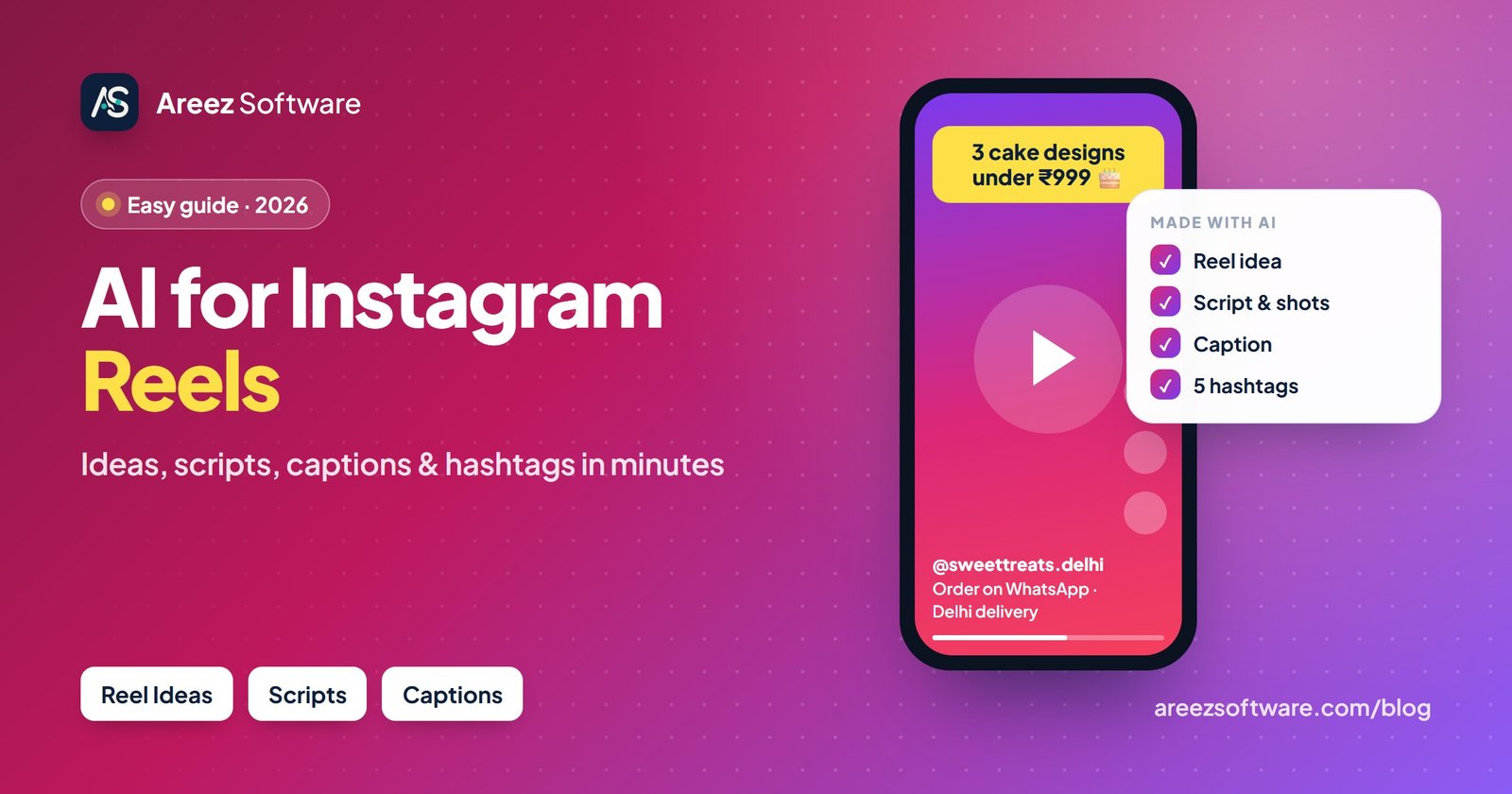
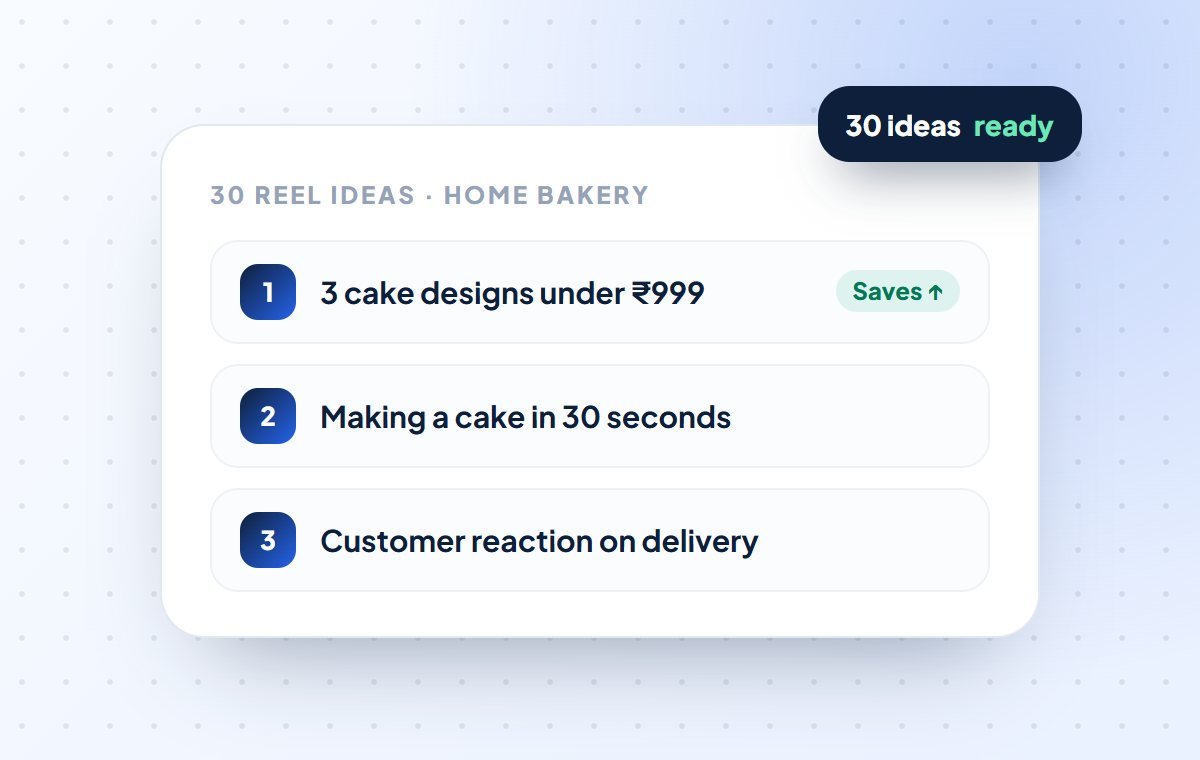
- Give you 30 Reel ideas for your business in one minute
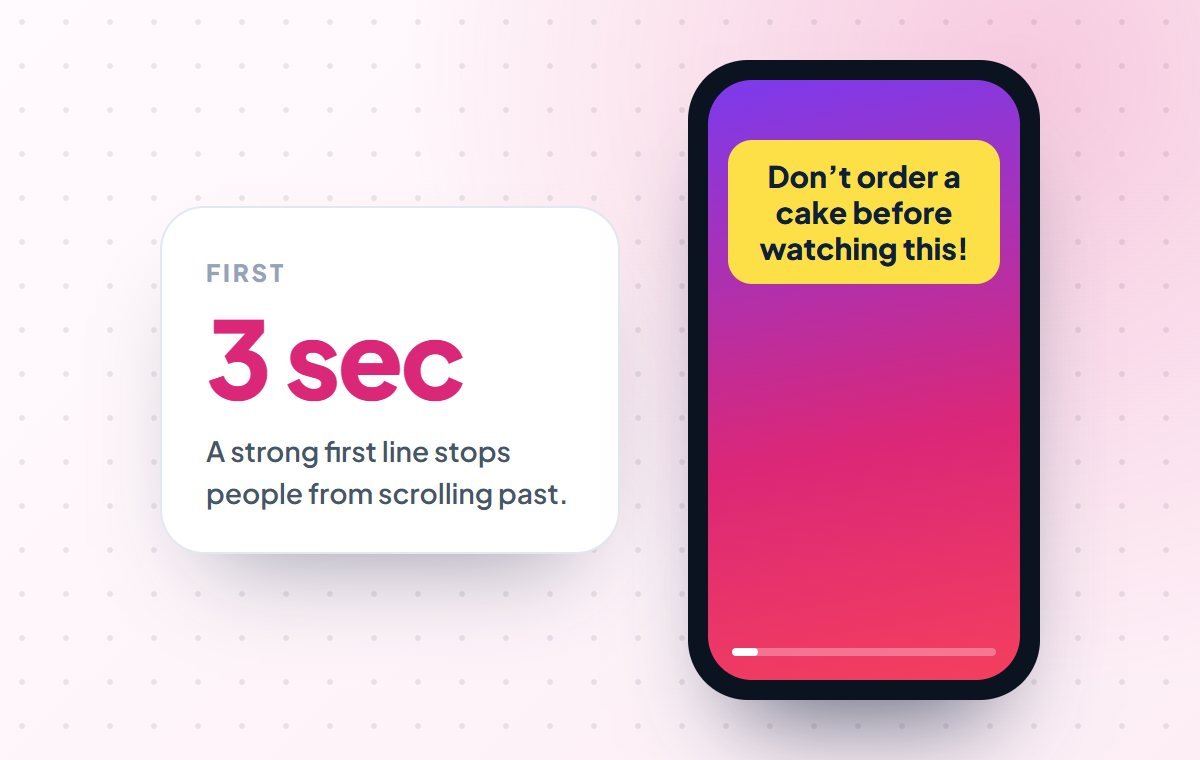
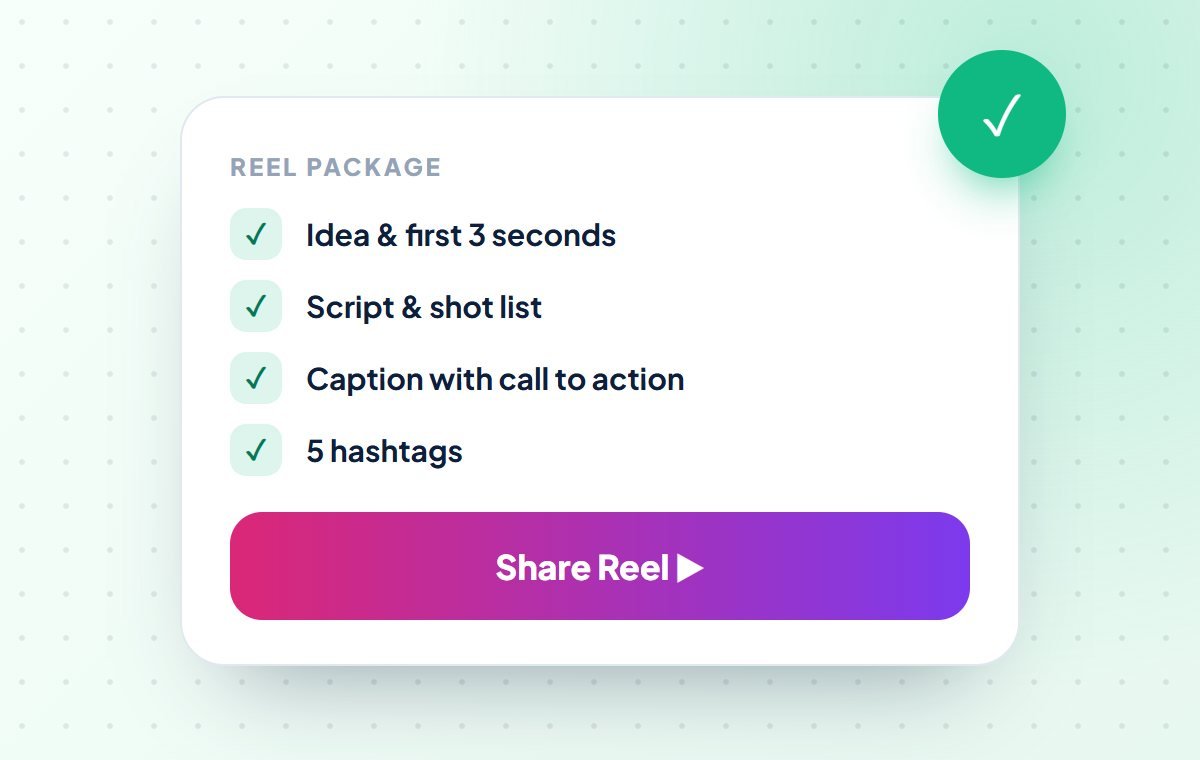
- Write a strong first line that stops people from scrolling
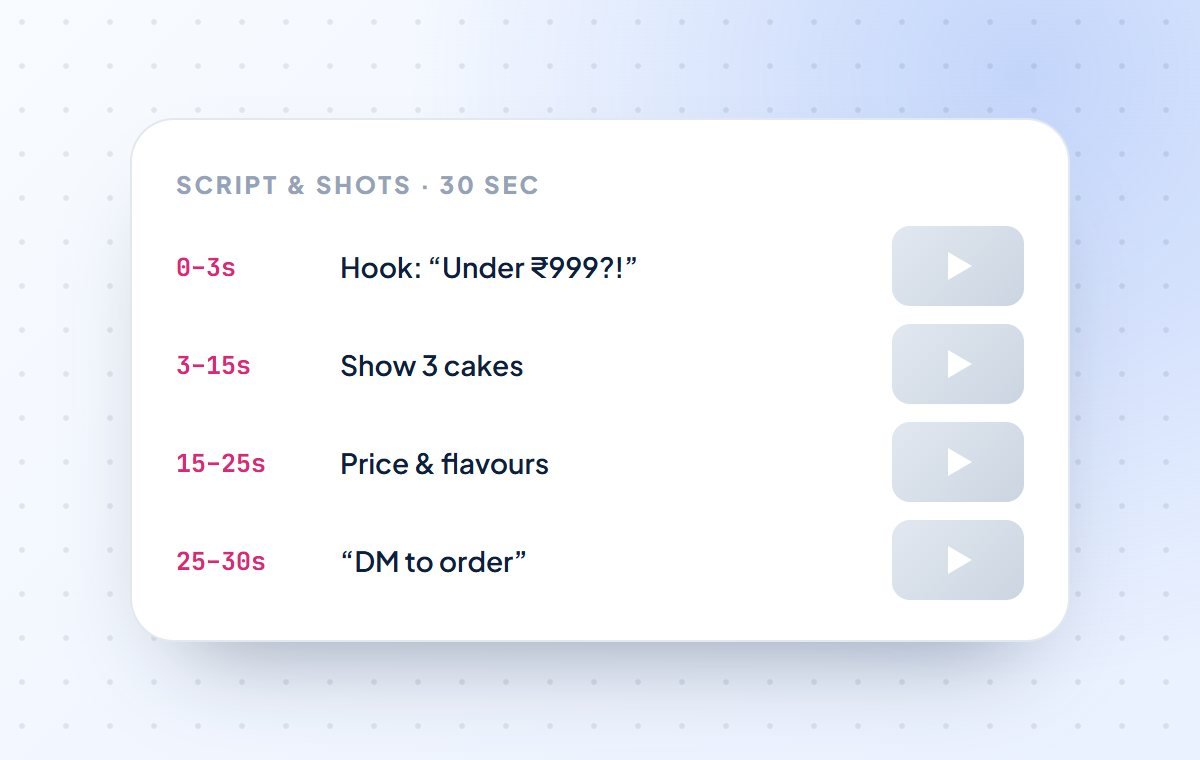
- Write a short script and tell you what to shoot
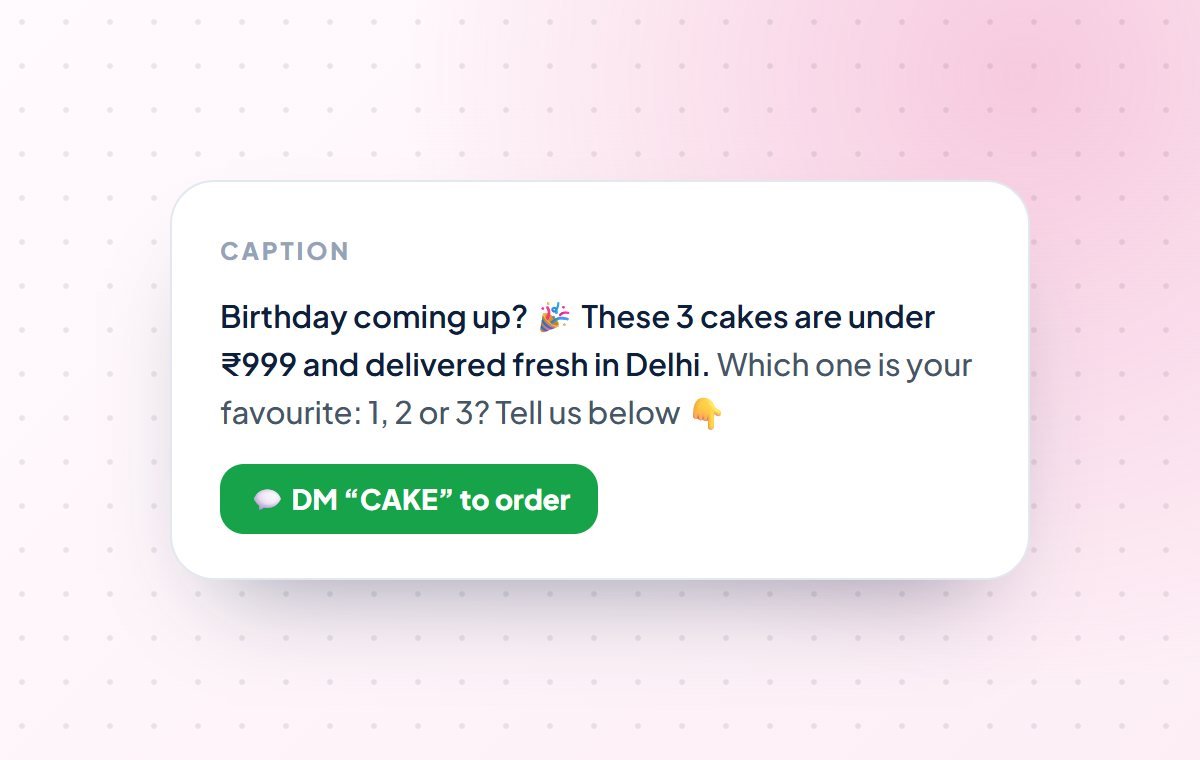
- Write captions with a clear “DM / WhatsApp us” line
- Suggest the right 5 hashtags for your Reel
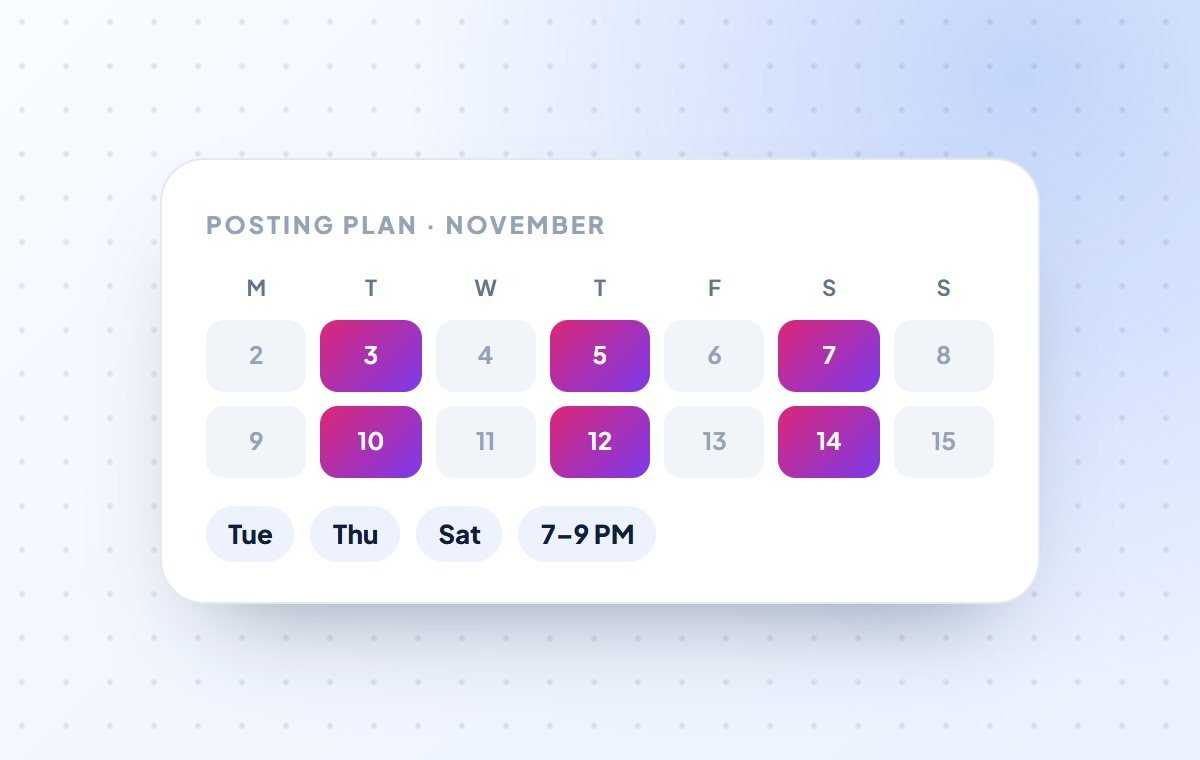
- Make a posting plan for the whole month
- Shoot the video on your phone for you
- Know today’s trending songs on its own (you find the trend, AI helps you use it)
The benefit: planning one Reel can take an hour. With AI, the idea, script, caption and hashtags are ready in about 10 minutes, so you can post 3 Reels a week instead of one.
How to start in 5 minutes (no coding)
- Open a free AI app. Use ChatGPT, Claude or Gemini on your phone or computer, and sign up with your email or Google account.
- Tell it about your business once. Copy the “business details” box below, fill in your details and send it as your first message.
- Save it. Most AI apps let you save these details (for example custom instructions in ChatGPT, a Project in Claude or a Gem in Gemini), so you don’t have to type them again.
- Use a helper. Go to the helpers below, click Copy on any prompt, paste it in the AI app and fill in the [BRACKETS].
You are my Instagram Reels helper.
Business name: [YOUR BUSINESS NAME]
What we sell: [e.g. homemade cakes / sarees / maths tuition]
City / area: [e.g. Lajpat Nagar, Delhi]
Our customers: [e.g. families, college students, working women]
Language: [simple English / Hindi / Hinglish]
Our style: [e.g. friendly, fun, trustworthy]
How customers contact us: [DM / WhatsApp number / link in bio]
Always reply in simple words. Keep Reels short (15-45 seconds).Meet your 11 Reel helpers (with copy-paste prompts)
Each helper does one job. For each one you will see what it does, when to use it, what to give it and what you get back. Click Copy, paste the prompt into your AI app and change the words in [BRACKETS] to your own details.
Reel Idea Finder
Gives you a long list of Reel ideas made for your type of business: product videos, tips, behind-the-scenes and customer stories.
- Use it when
- You don’t know what to post, or all your Reels look the same.
- You give
- Your business type, city and who your customers are.
- You get
- 30 Reel ideas, sorted into easy groups.
I run a [YOUR BUSINESS, e.g. home bakery / saree shop / coaching centre] in [CITY].
My customers are [WHO, e.g. families, college students, working women].

Give me 30 Instagram Reel ideas for my business.
Group them: product videos, tips, behind the scenes, customer stories, offers.
Keep each idea to one short line. Use simple English.First-Line Writer
Writes the first line of your Reel, the words you say or show in the first 3 seconds. A good first line makes people stop scrolling.
- Use it when
- People see your Reel but swipe away quickly.
- You give
- Your Reel idea.
- You get
- 5 strong opening lines, with the best one marked.
My Reel idea: [YOUR REEL IDEA]
My business: [YOUR BUSINESS]

Write 5 opening lines for the first 3 seconds of this Instagram Reel.
They should make people curious and stop scrolling, but must not lie.
Keep each line under 10 words. Give 2 in English and 3 in Hinglish.
Tell me which one is best and why.Script Writer
Writes the full Reel script with timing: what to say in the first 3 seconds, the middle and the end, plus a clear call to action.
- Use it when
- You know the idea but don’t know what to say on camera.
- You give
- The idea, the first line you chose and the Reel length.
- You get
- A short script with time marks, ready to read.
Write a script for a [30]-second Instagram Reel.

Idea: [YOUR REEL IDEA]
First line: [THE FIRST LINE YOU CHOSE]
Business: [YOUR BUSINESS] in [CITY]
Language: [simple English / Hinglish]

Split it by time: 0-3 sec, 3-15 sec, 15-25 sec, 25-30 sec.
Use short sentences that are easy to speak.
End with one clear action, like "DM us" or "WhatsApp us to order".Shot List Maker
Turns your script into a simple list of shots to record on your phone: what to show, how close, and for how many seconds.
- Use it when
- You have a script but don’t know what to record.
- You give
- Your Reel script.
- You get
- A numbered shot list you can follow on your phone.
Here is my Reel script:

[PASTE SCRIPT]

Make a shot list I can record with only my phone.
For each shot tell me: what to show, close-up or wide, and how many seconds.
Keep it simple. I have no camera crew and a small space.
Add 2 tips for better light at home or in my shop.On-Screen Text Writer
Writes the short text that appears on your Reel. Many people watch without sound, so the text tells the story.
- Use it when
- Your Reel has talking but no text on screen.
- You give
- Your script.
- You get
- Short text lines for each part of the Reel.
Here is my Reel script:

[PASTE SCRIPT]

Write the text to show on screen for each part of this Reel.
Many people watch without sound, so the text should explain the Reel alone.
Maximum 6 words per line. Use simple words.Caption Writer
Writes the caption below your Reel: a strong first line, a short message, a question to get comments, and a clear “DM / WhatsApp us” line.
- Use it when
- You post Reels with no caption, or the same caption every time.
- You give
- What the Reel is about and your offer.
- You get
- 3 caption options with a call to action.
Write an Instagram caption for my Reel.

Reel is about: [WHAT THE REEL SHOWS]
Offer (if any): [e.g. 10% off this week / free delivery in Delhi]
How to contact us: [DM / WhatsApp number / link in bio]

Give me 3 caption options.
Each one: a strong first line, 2-3 short lines, one question for comments,
and a clear call to action. Add 2-3 emojis. Keep it short and friendly.Hashtag Helper
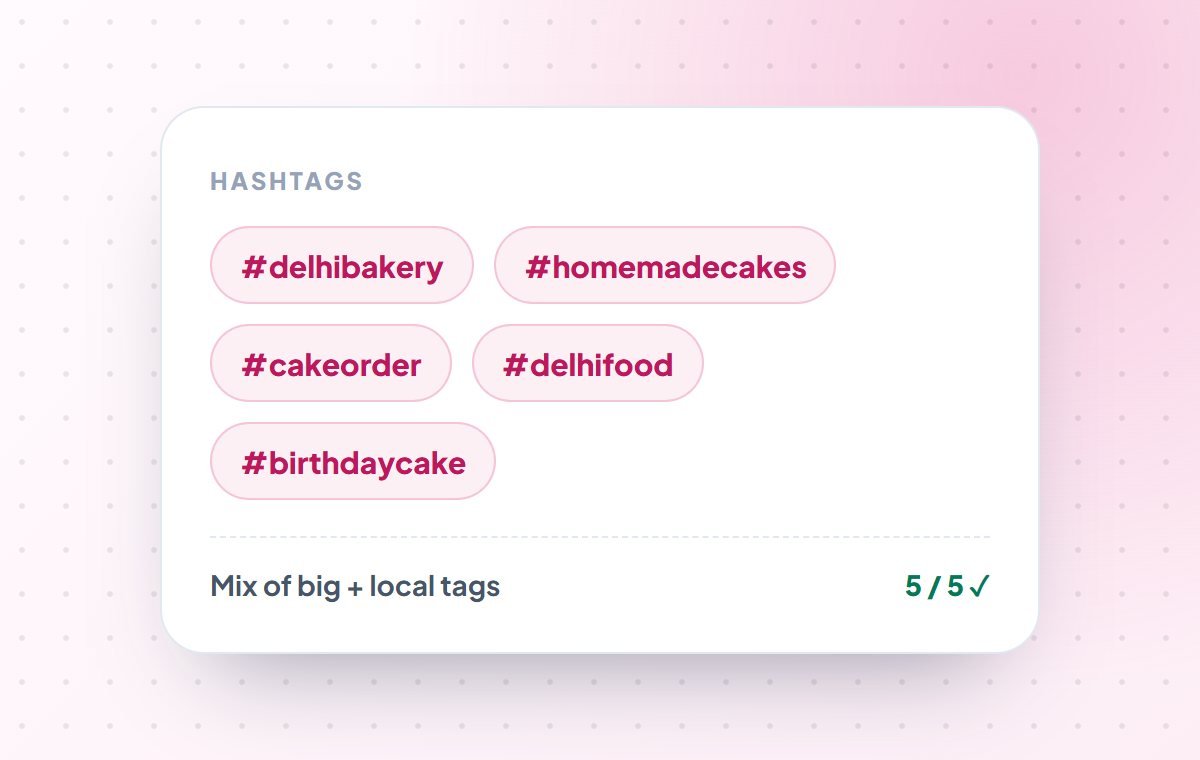
Picks the best 5 hashtags for your Reel. Instagram now allows only 5, so each one must count: a mix of topic, local and niche tags.
- Use it when
- Every time you post a Reel.
- You give
- What the Reel is about, your business and your city.
- You get
- 5 hashtags with the reason for each.
Suggest hashtags for my Instagram Reel.

Reel is about: [WHAT THE REEL SHOWS]
Business: [YOUR BUSINESS]
City/area: [CITY]

Instagram allows only 5 hashtags. Give me the best 5:
1 popular tag for the topic, 2 tags for my type of business,
and 2 local tags with my city or area.
Do not give banned or spammy hashtags. Explain each one in a few words.Trend Copier
You find a trending Reel style or song you like; AI helps you make your own version for your business, without copying.
- Use it when
- You saw a trending Reel and want to use the trend for your shop.
- You give
- A description of the trending Reel you saw.
- You get
- 3 ways to use the same trend for your business.
I saw this trending Instagram Reel: [DESCRIBE THE TREND, e.g. "people show
'expectation vs reality' with a funny song"].

My business: [YOUR BUSINESS]

Give me 3 ideas to make my own version of this trend for my business.
Do not copy the original. Make it useful or funny for my customers.
For each idea: what to show, the on-screen text and a caption line.Posting Planner
Makes a simple posting plan for the month: which Reel to post on which day, mixing product videos, tips and offers, based on your free time.
- Use it when
- You post randomly, or stop posting after a few days.
- You give
- How many Reels you can make per week and any festivals or offers coming up.
- You get
- A 4-week calendar with an idea for every posting day.
Make an Instagram Reels plan for the next 4 weeks.

Business: [YOUR BUSINESS] in [CITY]
Reels I can make per week: [e.g. 3]
Festivals/offers coming up: [e.g. Diwali sale, wedding season]

Give me a simple table: week, day, Reel idea, type (product / tip / offer / story).
Mix the types so my page doesn't feel like only ads.
Mark the Reels to post during festival days.Comment & DM Reply Helper
Writes friendly replies to comments and DMs, especially price and order questions, so you reply fast and turn viewers into buyers.
- Use it when
- You get many comments or DMs asking “price?” or “how to order?”.
- You give
- The comments or messages, and your prices and order steps.
- You get
- Ready replies you can check and send.
Here are comments and DMs on my Instagram Reel:

[PASTE COMMENTS / MESSAGES]

My prices and order process: [e.g. cakes from ₹599, order on WhatsApp 98xxxxxx, 1 day delivery]

Write short, friendly replies for each one in simple English or Hinglish.
For price questions, give the price and invite them to WhatsApp/DM.
Tell me which messages need a personal reply from me.Reel Checkup
Looks at your Reel numbers (views, watch time, likes, shares and saves) and tells you what worked, what didn’t, and what to change next time.
- Use it when
- Some Reels get views and others don’t, and you don’t know why.
- You give
- Numbers from your last 5–10 Reels (Professional dashboard → Insights).
- You get
- What your best Reels have in common, and 3 changes for next time.
Here are the numbers for my last Instagram Reels:

[FOR EACH REEL: topic – views – likes – shares – saves – average watch time]

Tell me in simple words:
1. What my best Reels have in common
2. Why the weak Reels did not do well
3. 3 clear changes I should make in my next Reels.Reel ideas for Indian businesses (use them today)
Not sure where to start? Pick your business below and make your first Reel from these ideas:
Saree & clothing shop
“3 ways to drape one saree”, new stock arrivals, “outfit under ₹999”, happy customer try-ons.
Home bakery & sweets
Cake making in 30 seconds, “3 cakes under ₹999”, festival box packing, customer reaction on delivery.
Salon & beauty parlour
Before & after looks, bridal makeup time-lapse, “5 hair care tips”, festive offers.
Coaching & tuition
“1 maths trick in 30 seconds”, topper tips, exam-day checklist, student results.
Restaurant & café
Dish of the day, kitchen behind the scenes, “thali under ₹199”, customer first bite.
Kirana & general store
New products, “combo pack savings”, home delivery in your area, festival offers.
Real estate & property
1-minute flat tours, “₹ price per sq ft explained”, area guides, site visit day.
Gym & fitness
“5-minute home workout”, member transformation, diet tips, trainer of the month.
A simple weekly plan: 3 Reels every week
Posting regularly matters more than one perfect Reel. This plan takes about 2–3 hours a week:
| Day | Work | Helpers | Time |
|---|---|---|---|
| Monday | Plan 3 Reels for the week | Idea Finder + Posting Planner | 20 min |
| Tuesday | Script and shoot Reel 1 & 2 | First-Line + Script + Shot List | 1 hr |
| Wednesday | Post Reel 1 | Caption + Hashtag Helper | 15 min |
| Friday | Post Reel 2, reply to DMs | Caption + Reply Helper | 20 min |
| Sunday | Post Reel 3, check numbers | Trend Copier + Reel Checkup | 30 min |
Tips to get more views and customers from Reels
Tell AI about your business once
Save your business details (copy box above) in the AI app. Then every caption and script sounds like your brand, not like a robot.
Show real people and real products
Your face, your shop and your customers build trust. AI writes; you show the real thing.
Show AI your best Reel
Paste the script or caption of your most-viewed Reel and say “make more like this”. One example works better than long instructions.
Always ask for 5 options
Ask “give me 5 options”, then pick or mix the best. The first answer is rarely the best one.
Instagram rules for AI and Reels (keep your account safe)
- Using AI for ideas, scripts and captions is completely fine. No label needed
- If you post realistic AI-made photos or videos, mark them as AI. Instagram may show an “AI info” label
- Use music from Instagram’s own library to avoid copyright problems
- Use up to 5 hashtags, and never use banned or unrelated hashtags
- Never post fake reviews, fake prices or false claims, even if AI writes them
- Don’t copy other creators’ Reels. Use the trend, make it your own
AI is your helper, not your face. Use it to save time. Your products, your shop and your personality are what make people follow and buy.
Want a team to handle your Instagram? See our digital marketing services, learn how AI agents can reply to customers 24/7, or read our guide to automating YouTube with AI.
Common questions about AI and Instagram Reels
Which AI app should I use for Instagram Reels?
Any good AI chat app works: ChatGPT, Claude or Gemini. All of them have free plans. The prompts in this guide work the same way in all three, in English or Hinglish.
How many hashtags should I use on a Reel?
Instagram is moving to a limit of 5 hashtags per post or Reel. So use 5 strong ones: one popular tag for your topic, two for your type of business and two local tags with your city or area.
How long should an Instagram Reel be?
Instagram allows long Reels, but for most businesses short Reels of 15–45 seconds work best. People watch them till the end, and Instagram shows them to more people.
What is the best time to post Reels in India?
Many Indian accounts get more views in the evening (around 7–10 PM) and on weekends, but every audience is different. Open your Professional dashboard → Insights to see when your followers are most active.
Can AI make the full Reel video for me?
AI apps can write the idea, script, text, caption and hashtags. Some tools can also create video, but for a local business, real videos of your shop, products and team get more trust and more customers.
Will Instagram block my account for using AI?
No. Using AI to write ideas, scripts and captions is completely fine. Only if you post realistic AI-made images or videos (for example a fake real-looking person), Instagram may show an “AI info” label, and you should mark it yourself.
Can I get Reels in Hindi or Hinglish?
Yes. Just write “reply in Hinglish” or “write in Hindi” in your prompt. Many Indian businesses get better reach with Hinglish captions and scripts.
Can someone manage our Reels for us?
Yes. Areez Software’s digital marketing team can plan, write and manage your Instagram content, and set up AI tools so your team can create Reels faster.
Instagram features such as hashtag limits and Reel length change often. Information is correct as of October 27, 2026; please check Instagram’s latest rules in the app.