What happened?
In October 2026 the PHP project shipped an out-of-band security release for every supported branch. It closes two bugs in the way PHP sets up and tears down each web request. Because that code runs for every request, the weakness sits underneath your framework, CMS and plugins. A clean Laravel or WordPress codebase is still exposed if the PHP runtime below it is unpatched.
What makes this release urgent is the combination: attackers need no account, the bugs can lead to full remote code execution, and exploitation attempts are already being seen against live servers. Researchers also showed the flaws can leak chunks of PHP worker memory, which may contain database passwords, session tokens and API keys.
Treat this as an emergency change. If your site runs on PHP and is reachable from the internet, schedule the update today, not in your next maintenance window.
The two vulnerabilities, explained simply
CVE-2026-109618
Out-of-memory request corruptionAn attacker sends a request crafted to push PHP past its memory limit at exactly the wrong moment. The operation stops half-way, leaving request data only partly initialised. PHP then keeps using that broken data, which can be steered into running the attacker’s code.
- Triggered by oversized or deeply nested input
- Worst on Apache mod_php
CVE-2026-109619
Stale global state (use-after-free)When a request ends, PHP frees its memory but some global references keep pointing at it. A later step reads from that freed memory, a classic use-after-free. Researchers turned this into reliable code execution through the session lifecycle.
- Linked to session upload-progress handling
- Validated on PHP-FPM setups
Who is affected?
Any PHP installation that answers web requests is at risk. How easy it is to exploit depends on how PHP is plugged into your web server:
| Server setup (SAPI) | Risk | Why it matters |
|---|---|---|
| Apache mod_php | Critical | A working exploit can fire before any application code runs, so your app’s own validation offers no protection. |
| PHP-FPM (Nginx / Apache) | High | One out-of-memory path is blocked at startup, but the session-lifecycle attack still works under the right app conditions. |
| php-cgi | High | Serves web requests directly and shares the vulnerable request-handling code. |
| FrankenPHP | High | Long-lived workers make stale state more likely to linger between requests. |
| LiteSpeed (LSAPI) | High | Common on shared hosting; confirm your host has rolled out the patched build. |
| PHP CLI / cron jobs | Low | Not reachable from the web on its own, but update it together with the server packages. |
Patched PHP versions
Upgrade to at least the version listed for your branch. Newer patch releases include the fix too.
Not sure where you stand? Use the instant PHP version checker at the top of this guide.
Using a Linux distro package? Vendors like Debian, Ubuntu and Red Hat often backport fixes while keeping an older version number. Search their security tracker for the two CVE IDs to confirm.
Find out which PHP version you’re running
Servers often have several PHP binaries side by side. The CLI version is not always what your website uses, so check the one behind your web server too.
php -v                         # CLI version
php-fpm8.3 -v                  # FPM binary (adjust branch)
apachectl -M | grep php        # is mod_php loaded?
docker exec <container> php -v # inside a container
No shell access? Log in to your hosting panel: cPanel shows it under MultiPHP Manager, Plesk under PHP Settings. In WordPress, go to Tools → Site Health → Info → Server.
How to update PHP on every platform
Pick your environment below. Always take a backup or snapshot first, and restart PHP afterwards so the patched binary is actually loaded.
sudo apt update
sudo apt install --only-upgrade 'php8.3*'   # change 8.3 to your branch
php -v
sudo systemctl restart php8.3-fpm            # PHP-FPM
sudo systemctl restart apache2 # mod_phpsudo dnf clean all
sudo dnf upgrade 'php*'
php -v
sudo systemctl restart php-fpm httpdapk update
apk upgrade php83 php83-fpm # use php84 / php85 for newer branches
php83 -v# Dockerfile: pin the patched tag
FROM php:8.3.36-fpm
# rebuild without cache and redeploy
docker build --pull --no-cache -t my-app .
docker compose up -d --force-recreate:: 1. Download the patched build from windows.php.net
:: 2. Back up C:\xampp\php\php.ini
:: 3. Replace the php folder, restore php.ini
C:\xampp\php\php.exe -v
:: 4. Restart Apache from the XAMPP Control Panel# as root on the server
dnf update 'ea-php*' # or: yum update 'ea-php*'
/scripts/restartsrv_apache_php_fpm
/scripts/restartsrv_httpdManaged or shared hosting? Plesk users can update via Tools & Settings → Updates. On other shared hosts, open a ticket asking whether PHP builds include the fixes for CVE-2026-109618 and CVE-2026-109619, then switch your site to the newest available version.
Can’t patch yet? Apply these temporary mitigations
These settings close the known attack paths while you plan the update. They are a bridge, not a fix. Restart PHP-FPM or Apache after changing them.
; ---- Temporary hardening until PHP is patched ----
; Blocks the session-lifecycle path (CVE-2026-109619)
session.upload_progress.enabled = 0

; Shrinks the out-of-memory window (CVE-2026-109618)
post_max_size = 8M          ; 32M if you need uploads
upload_max_filesize = 6M    ; always below post_max_size
max_input_nesting_level = 32

; PHP 8.5 only
fatal_error_backtraces = 0# Nginx: reject oversized bodies before PHP sees them
client_max_body_size 8m;
# Apache: same limit in bytes
LimitRequestBody 8388608
# PHP-FPM pool (e.g. /etc/php/8.3/fpm/pool.d/www.conf)
php_admin_value[session.upload_progress.enabled] = 0
; optional, costs performance: fresh worker per request
; pm.max_requests = 1Also worth doing
- Block multipart/form-data at the proxy if your app never accepts uploads.
- Enforce memory caps with container or cgroup limits, not
RLIMIT_AS/RLIMIT_DATA. - Fix fatal errors and timeouts that visitors can trigger on purpose.
- Put admin panels and APIs behind a VPN, IP allow-list or WAF until patched.
Know the trade-offs
memory_limit = -1removes the OOM trigger but lets a single request eat all RAM. Only use it with hard container limits.pm.max_requests = 1clears state between requests but noticeably slows busy sites.- Disabling upload progress breaks upload progress bars that rely on it.
Verify the fix is really live
The most common mistake is updating the package but never restarting the running workers. Confirm what the web server is actually using:
# Version of every installed PHP binary
php -v
php-fpm8.3 -v

# Confirm the mitigation is live (CLI)
php -i | grep -E "session.upload_progress.enabled|post_max_size"

# FPM/Apache can use a different php.ini: check via a temporary file
echo "<?php phpinfo();" | sudo tee /var/www/html/_check.php
# open https://your-site/_check.php, then delete it immediately
sudo rm /var/www/html/_check.php- phpinfo() shows the patched version for the web SAPI
- All PHP-FPM pools and app servers were restarted
- Docker images were rebuilt and every container recreated
- Staging, cron and queue workers run the same version
- The temporary phpinfo file has been deleted
Was your server exposed? Incident response checklist
If a vulnerable server faced the internet, assume secrets in memory could have leaked and look for signs of a break-in.
- Rotate secrets. Database passwords, API keys, SMTP and payment credentials, OAuth secrets. For WordPress, regenerate the salts in
wp-config.php. For Laravel, rotate.envsecrets (rotateAPP_KEYcarefully, as it invalidates encrypted data and sessions). - Invalidate sessions. Force all users and admins to log in again.
- Hunt for web shells and unexpected file changes using the commands below.
- Review accounts: new admin users, SSH keys, cron jobs and scheduled tasks.
- Check outbound traffic for unusual connections from your web servers.
- Restore from a clean backup if you find anything you can’t explain.
# PHP files changed in the last 7 days (look for web shells)
find /var/www -name "*.php" -mtime -7 -ls

# Suspicious functions often used by backdoors
grep -rlE "eval\(base64_decode|assert\(\$_|system\(\$_" /var/www

# Large multipart POSTs in the access log
awk '$6 ~ /POST/ && $10 > 5000000' /var/log/nginx/access.log

# New cron jobs and users
crontab -l; ls -la /etc/cron.*; tail -n 20 /etc/passwdLong-term PHP hardening best practices
Stay on a supported branch
Run PHP 8.4 or 8.5 and plan upgrades before a branch reaches end-of-life.
Automate security updates
Use unattended-upgrades, dnf-automatic or Renovate for Docker base images, plus alerts on new PHP releases.
Harden php.ini
Set expose_php = Off, display_errors = Off, sensible upload/post limits and disable functions you never use.
Layer a WAF
A web application firewall (Cloudflare, ModSecurity) can block known exploit patterns while you patch.
Least privilege
Run each site under its own user and FPM pool, with read-only code directories where possible.
Monitor & back up
File-integrity monitoring, centralised logs and tested off-site backups shorten recovery from days to minutes.
Frequently asked questions
What are CVE-2026-109618 and CVE-2026-109619?
They are two critical memory-safety bugs in PHP’s request handling, both rated CVSS 9.2. The first lets an attacker trigger an out-of-memory error that leaves request data half-built; the second leaves PHP pointing at memory it has already freed. Both can lead to unauthenticated remote code execution.
Which PHP versions fix these vulnerabilities?
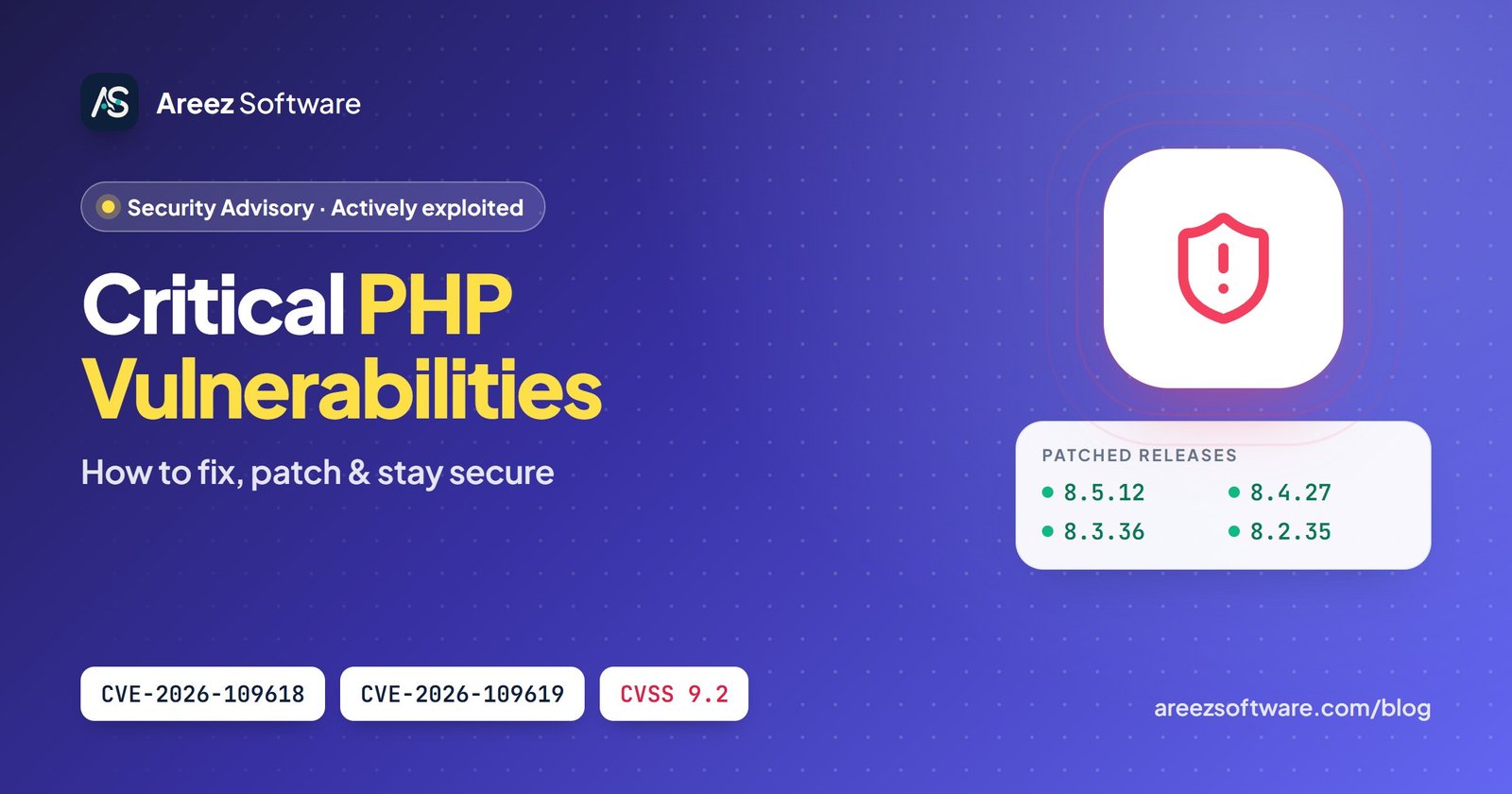
PHP 8.5.12, 8.4.27, 8.3.36 and 8.2.35. Anything older on those branches is vulnerable. PHP 8.1 and below are outside regular support, so the right fix is upgrading to a supported branch.
Is my WordPress or Laravel site affected?
Yes, if it runs on a vulnerable PHP build that serves web requests. The bugs live in PHP itself, not in WordPress, Laravel or your plugins, so updating the framework alone does not help. You must update the PHP runtime.
Are these vulnerabilities being exploited right now?
Yes. Exploitation attempts have been reported in the wild by several threat-intelligence teams and hosting providers, so treat patching as an emergency rather than routine maintenance.
My Linux distribution still shows an older version number. Am I safe?
Possibly. Debian, Ubuntu, RHEL and others often backport security fixes without changing the upstream version. Check your vendor’s security advisory for these CVE IDs to confirm the package you have includes the fix.
I’m on shared hosting. What should I do?
Ask your host whether their PHP builds are patched, switch to the newest PHP version in your control panel (cPanel “MultiPHP Manager” or Plesk “PHP Settings”), and disable session.upload_progress in your php.ini or .user.ini if allowed.
Do the temporary mitigations replace patching?
No. They narrow the known attack paths but do not remove the bugs. Use them only to buy time while you schedule the update, and remove any that hurt performance once you are patched.
Should I rotate passwords and API keys after patching?
If a vulnerable server was publicly reachable, yes. Researchers showed the flaws can leak PHP worker memory, which may hold database passwords, session tokens and API keys. Rotate them and review logs for suspicious activity.
Sources: official PHP security release notes and public vendor advisories. Version numbers and mitigations reflect information available on October 22, 2026. Always confirm against php.net and your operating-system vendor.