What can Claude do for your YouTube channel?
Claude is an AI app made by a company called Anthropic. It works like ChatGPT: you type in normal words, and it replies. You can even write in Hinglish. For YouTube, Claude can do most of the planning and writing work, so you can focus on recording.
Here is what Claude can do, and what it cannot:
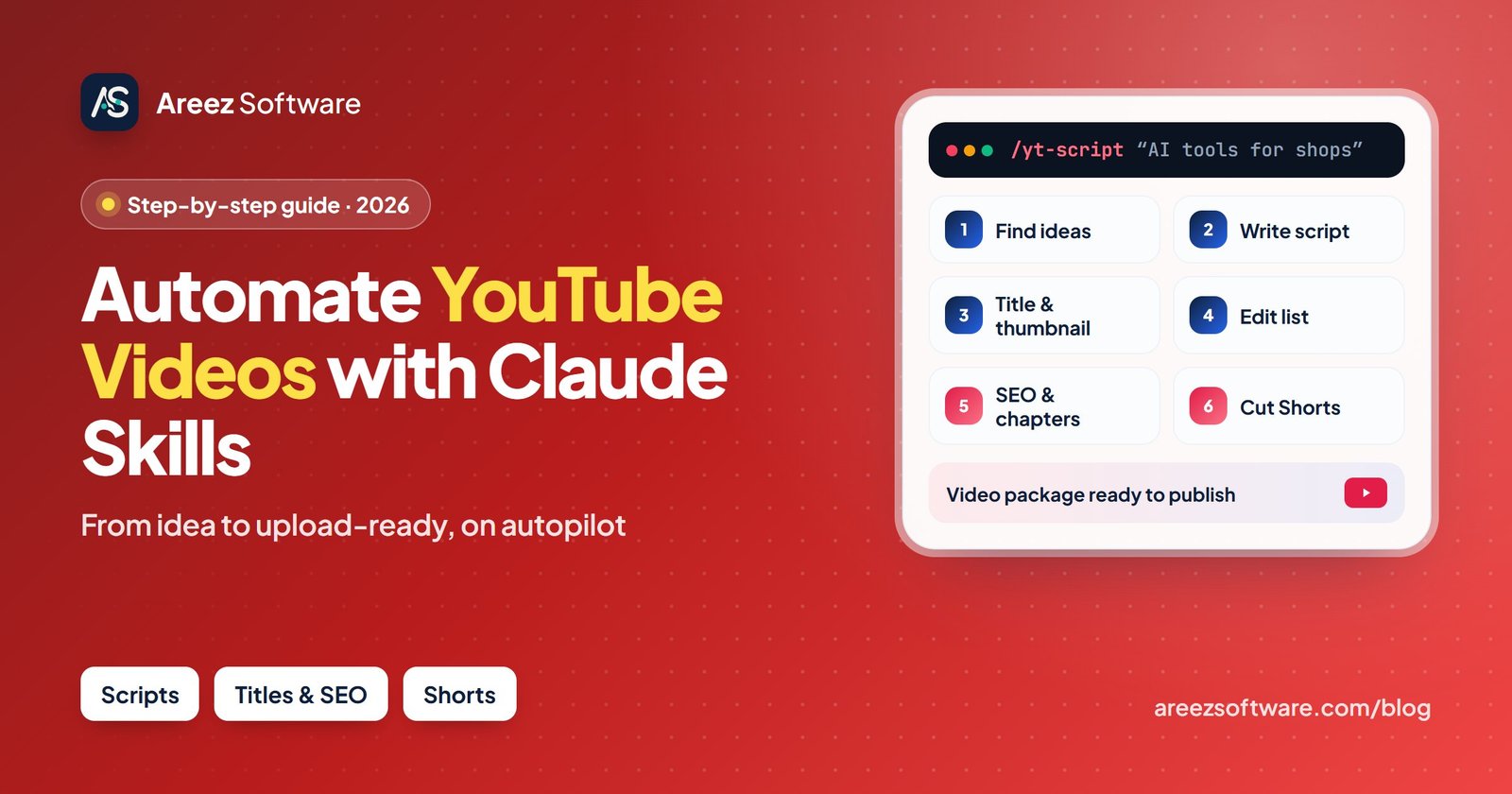
- Give you video ideas that people are already watching
- Write what you will say in the video, in your style
- Suggest the video name and the words for your cover picture
- Tell you which parts of your recording to cut
- Write the description, tags and chapters
- Pick the best parts of your video for Shorts
- Shoot the video or speak in it for you
- Edit the video or upload it to YouTube by itself
The benefit: work that took you 2–3 days can be done in a few hours. You get more time to record videos and talk to your viewers.
What is a Claude skill? (Explained like a recipe)
Think of a new helper in your shop. On the first day, you write down on a card how you want things done: “Greet the customer, show the best items first, give the bill with a smile.” From then on, the helper follows the card every time.
A Claude skill is that card. It is a small saved file (called SKILL.md) with steps for one job, like writing a YouTube script. When you ask for that job, Claude reads the card and follows it.
Without a skill
You explain everything again in every chat, and the answers change each time.
With a skill
You type a short command like /yt-script and get the same good result every time.
In this guide we call each skill a “helper”, because each one does one job for you, like a person in your team.
How to start in 10 minutes (choose one way)
There are two ways to start. If you are not from a computer background, choose Way A. It is very easy.
Way A: Claude app (no coding)
Use Claude on your phone or computer. Copy the prompts from this guide and paste them. Best for most people.
Way B: Claude Code + skills
Set up skills once and use short commands like /yt-script. For people who are comfortable with computers.
Way A: start in the Claude app
- Open Claude. Go to claude.ai, or download the Claude app on your phone or computer, and sign up with your email.
- Make a Project for your channel. A Project is like a folder that keeps all your chats in one place. Give it your channel’s name.
- Tell Claude about your channel. Copy the “channel details” box below, fill it in, and paste it in the Project instructions. Now Claude always remembers your channel.
- Use a helper. Go to the helpers section below, click Copy on any prompt, paste it in a chat and fill in the [BRACKETS].
You are my YouTube helper.
Channel name: [YOUR CHANNEL NAME]
My channel is about: [e.g. easy home cooking / mobile repair tips / study tips]
Who watches: [e.g. housewives, students, small shop owners in India]
My language: [e.g. simple English / Hindi / Hinglish]
My style: [e.g. friendly, simple, a little funny]
Video length: [e.g. 8-10 minutes, and Shorts]
My goal: [e.g. more subscribers / more customers for my business]
Always reply in simple words that are easy to understand.
Way B: set up skills with Claude Code
- Install Claude Code. It is a version of Claude that runs on your computer. You install it with one command (you need a free tool called Node.js first).
- Make a skills folder. Each skill gets its own folder inside
.claude/skills. - Add the skill file. Put a
SKILL.mdfile in the folder: from a skill pack you trust, or your own (template below). - Use it. Open Claude Code and type the command, like
/yt-script. Or just ask for a script, and Claude will pick the right skill.
npm install -g @anthropic-ai/claude-code
claudemkdir -p ~/.claude/skills/yt-script
cd ~/.claude/skills/yt-scriptNew-Item -ItemType Directory -Force "$HOME\.claude\skills\yt-script"
cd "$HOME\.claude\skills\yt-script"/yt-script my next video is about "5 AI tools every shop owner should use"Be careful: skills run on your computer. Only use skills from people you trust, and open the SKILL.md file to read it before you use it.
Meet your 11 YouTube helpers (with copy-paste prompts)
Each helper does one job. For each one you will see what it does, when to use it, what to give it and what you get back. Click Copy, paste the prompt into Claude and change the words in [BRACKETS] to your own details.
Idea Finder
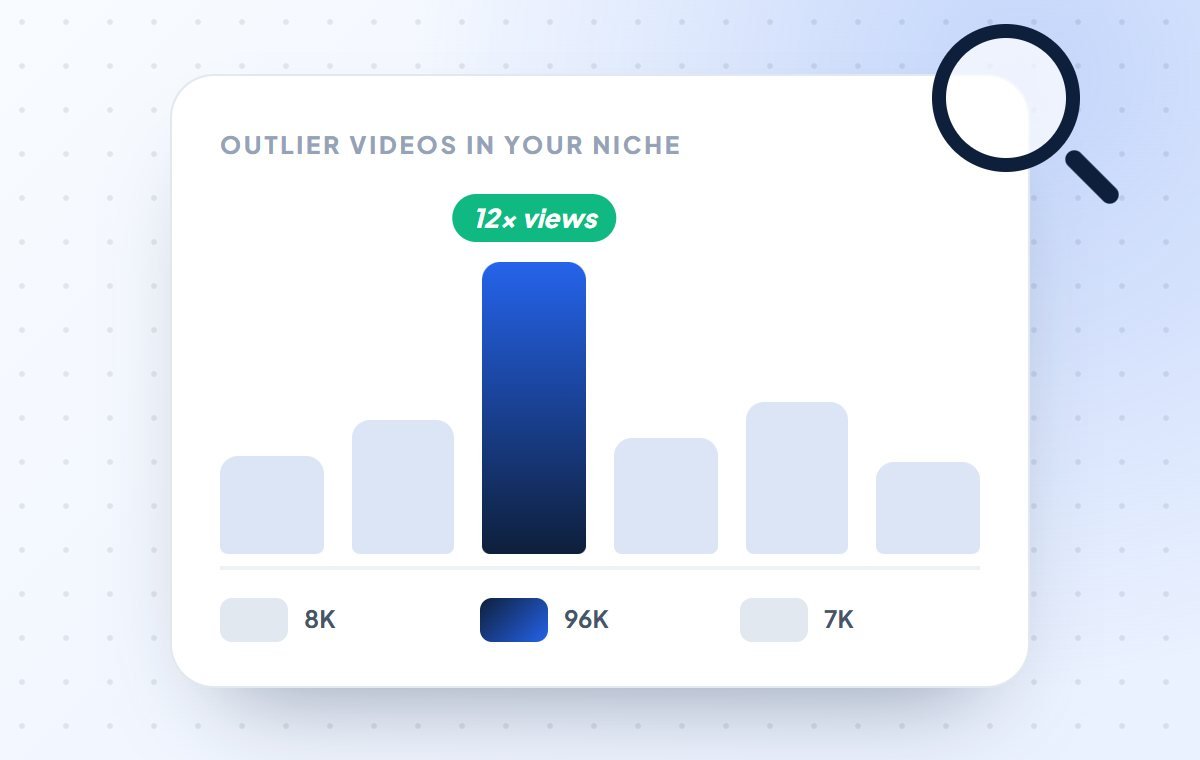
/yt-viralLooks at other channels on your topic and finds the videos that got many more views than usual. Then it tells you why those videos worked.
- Use it when
- You don’t know what video to make next.
- You give
- Your channel topic and the names of 2–3 similar channels.
- You get
- A list of video ideas that people are already searching for.
My YouTube channel is about [YOUR TOPIC, e.g. easy home cooking / mobile repair tips / Class 10 maths].
Here are 3 similar channels: [CHANNEL 1], [CHANNEL 2], [CHANNEL 3].

Find their videos that got many more views than their other videos.
For each one, tell me in simple words why people liked it.
Then give me 5 new video ideas for my channel.
Reply in simple English.Video Planner
/yt-planMakes a simple plan for the week or month: which video to post, on which day, based on how much free time you have.
- Use it when
- You post randomly, or you start strong and then stop posting.
- You give
- Your topic, your free time per week and your goal.
- You get
- A clear calendar: what to make and when to post it.
Make a YouTube posting plan for the next 4 weeks.

About me:
- My channel is about: [YOUR TOPIC]
- Free time I have each week: [e.g. 5 hours]
- My goal: [e.g. 1,000 subscribers / more customers for my shop]

Give me a simple table: week, day, video idea, and long video or Short.
Keep it easy for my free time. Add one very easy video for busy weeks.Script Writer
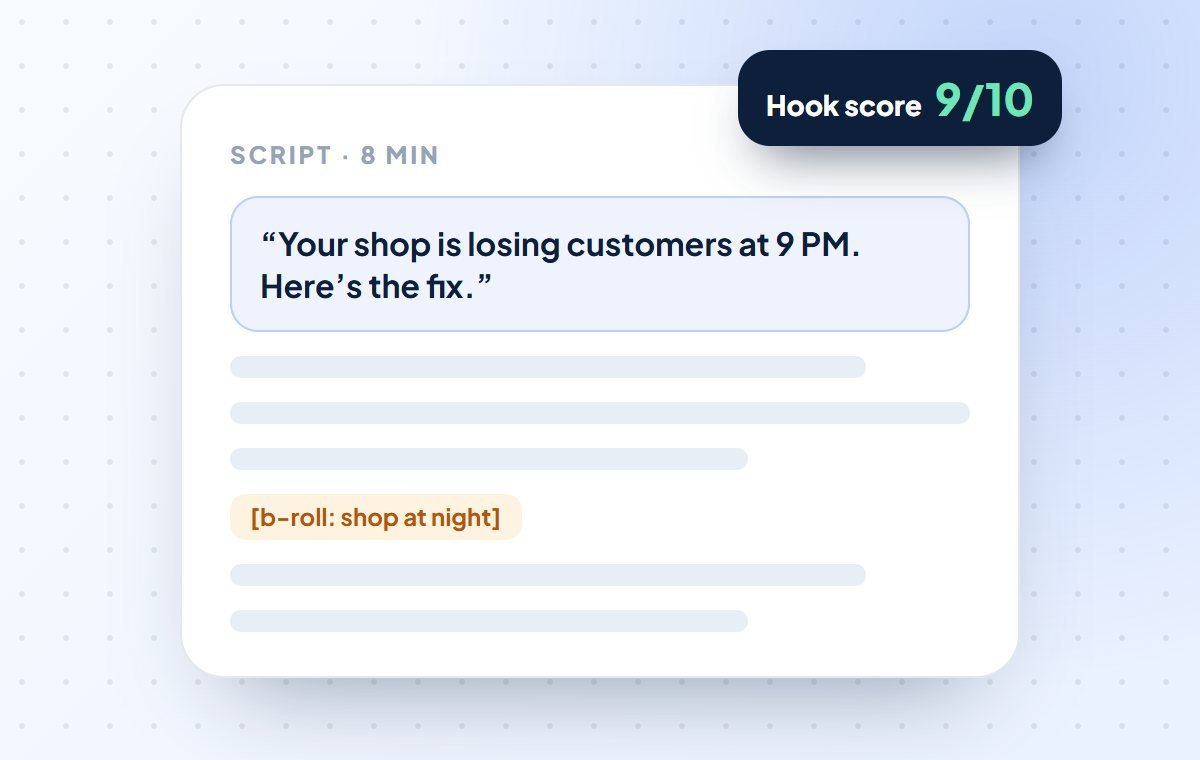
/yt-scriptWrites what you will say in the video. It first gives you a few strong opening lines to choose from, then writes the full script.
- Use it when
- You have a video idea but don’t know what to say.
- You give
- The video topic, who will watch it and how long it should be.
- You get
- A ready script you can read while recording.
Write a YouTube video script for me.

Topic: [YOUR VIDEO TOPIC]
Who will watch: [e.g. small shop owners / students / housewives]
Video length: [e.g. 8 minutes]
Language: [e.g. simple English / Hinglish]

First give me 5 opening lines for the first 15 seconds that make people keep watching.
Then write the full script with the best one.
Use short, simple sentences that are easy to speak.
At the end, ask viewers to subscribe in a natural way.Title & Thumbnail Helper
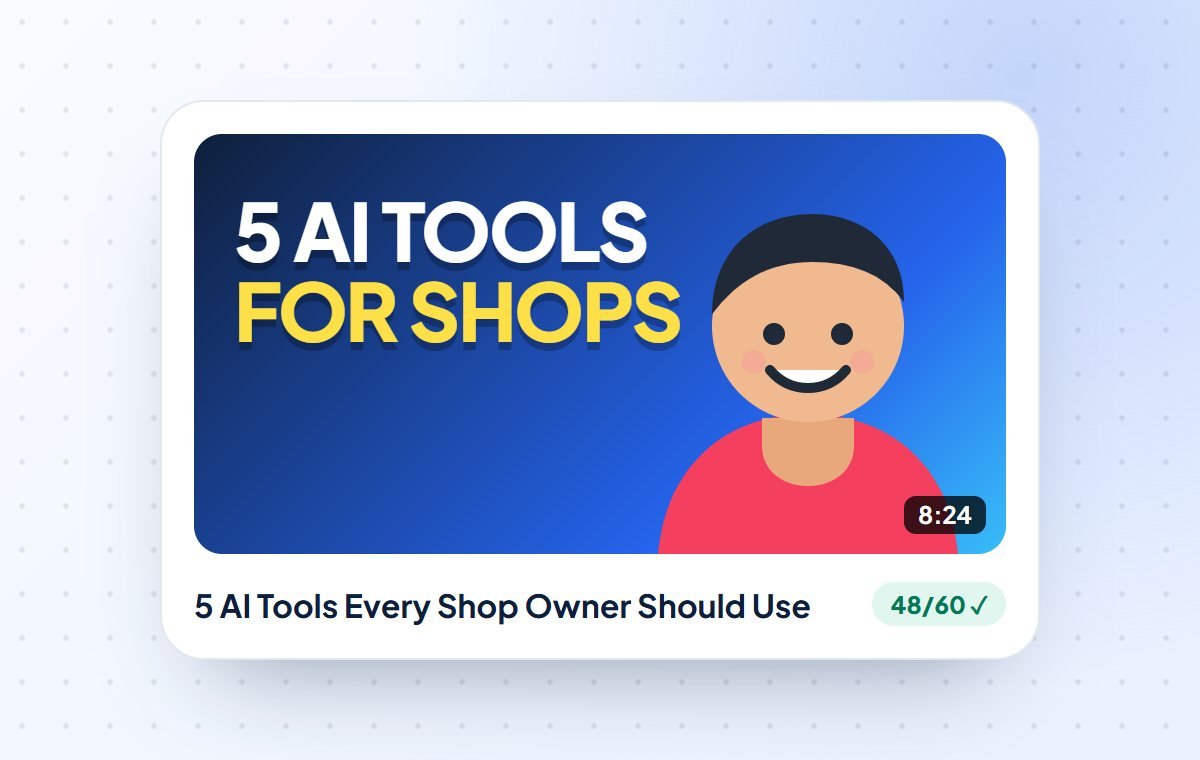
/yt-packageSuggests the video name (title) and the few big words for your cover picture (thumbnail), so that more people click on your video.
- Use it when
- Before you upload a video, or when an old video got very few views.
- You give
- What your video is about.
- You get
- 5 title ideas with matching cover words, and the best pick.
Help me with the title and thumbnail for my YouTube video.

My video is about: [1–2 LINES ABOUT YOUR VIDEO]
Who it is for: [WHO]

Give me 5 options. Each option should have:
- a title (short, under 60 letters)
- 2–4 big words to write on the thumbnail
The title and thumbnail words should not repeat each other.
Make people curious, but do not lie. Tell me which option is best.Editing Helper
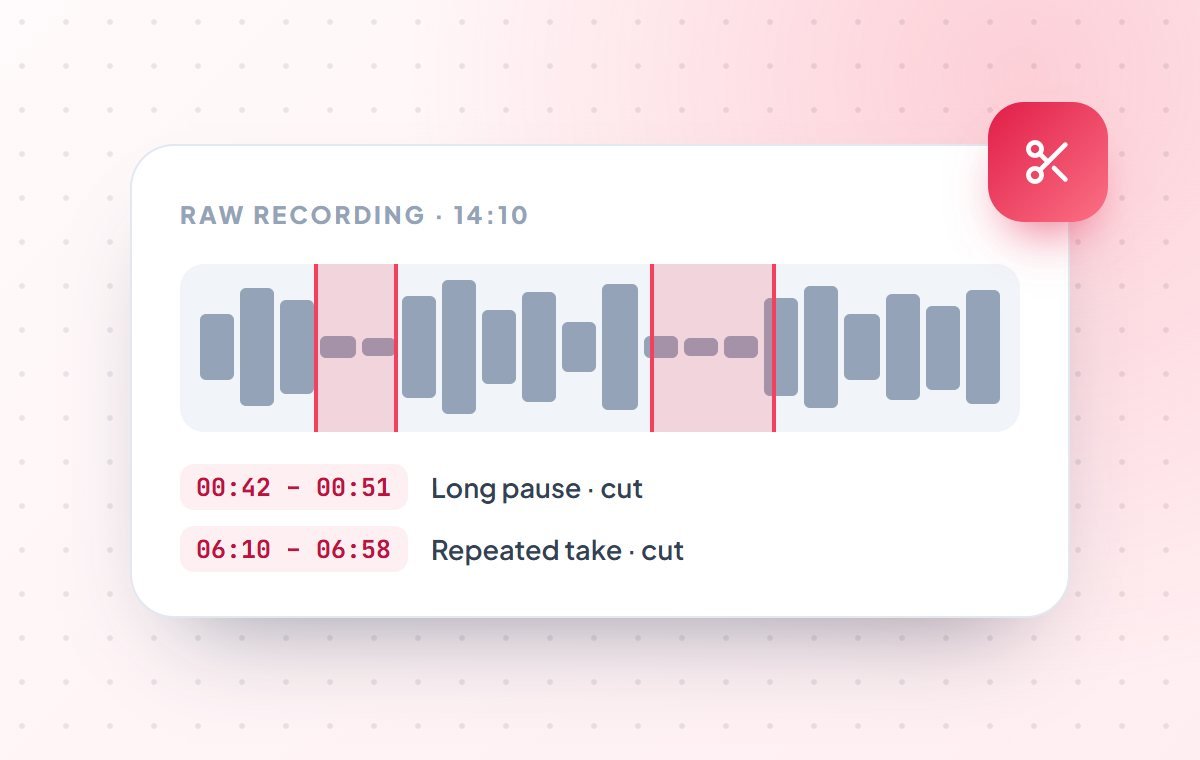
/yt-editReads the text of your recording and tells you which parts to cut: long pauses, “umm”, mistakes and repeated lines, with the exact time of each.
- Use it when
- Your recording is long and editing takes you hours.
- You give
- The text (transcript) of your recording with times.
- You get
- A list of parts to cut, with start and end times.
Here is the text of my YouTube recording with times:

[PASTE TRANSCRIPT]

Tell me which parts I should cut to make the video better.
Look for long pauses, "umm/aaa", mistakes and lines I said twice.
For each part, give the start time, end time and the reason.
At the end, tell me how long the video will be after cutting.Description Writer
/yt-seoWrites the video description and tags using the words people actually type in YouTube search, so your video shows up when they search.
- Use it when
- Every time you upload a video.
- You give
- Your video title, a short summary and your links.
- You get
- A ready description and tags to copy into YouTube.
Write the YouTube description and tags for my video.

Title: [VIDEO TITLE]
What the video is about: [SHORT SUMMARY]
My links: [WEBSITE / WHATSAPP NUMBER / INSTAGRAM]

Use the words people would type in YouTube search to find this video.
Write: 2 strong first lines, a short summary, my links, and 10–15 tags.
Keep it natural and easy to read.Chapter Maker
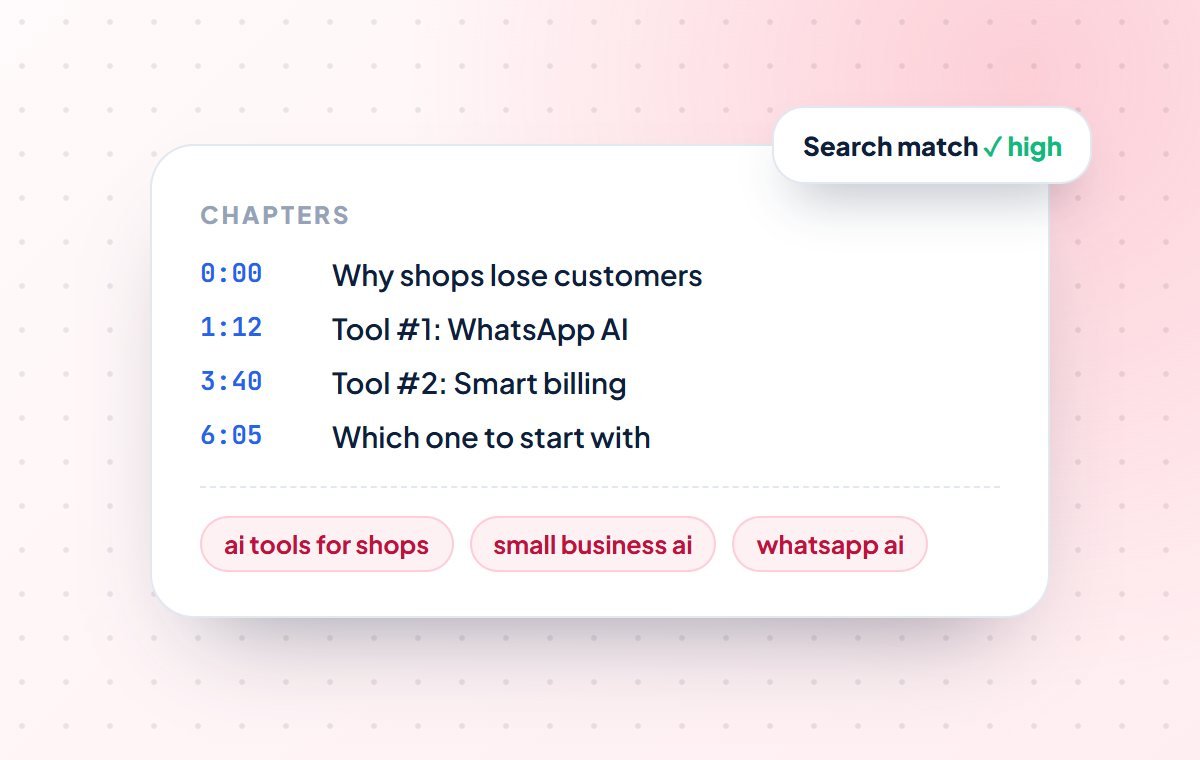
/yt-chaptersMakes chapters for your video, like 0:00 Intro, 1:20 Step 1. Viewers can jump to the part they need, and YouTube shows them under the video.
- Use it when
- Your video is longer than 3–4 minutes.
- You give
- The text of your final video with times.
- You get
- A chapter list to paste in your description.
Make YouTube chapters from this video text:

[PASTE TRANSCRIPT WITH TIMES]

Rules: start with 0:00, make at least 3 chapters,
each chapter at least 10 seconds long, in time order.
Keep chapter names short (max 5 words).
Give me a list I can paste in my description.Shorts Maker
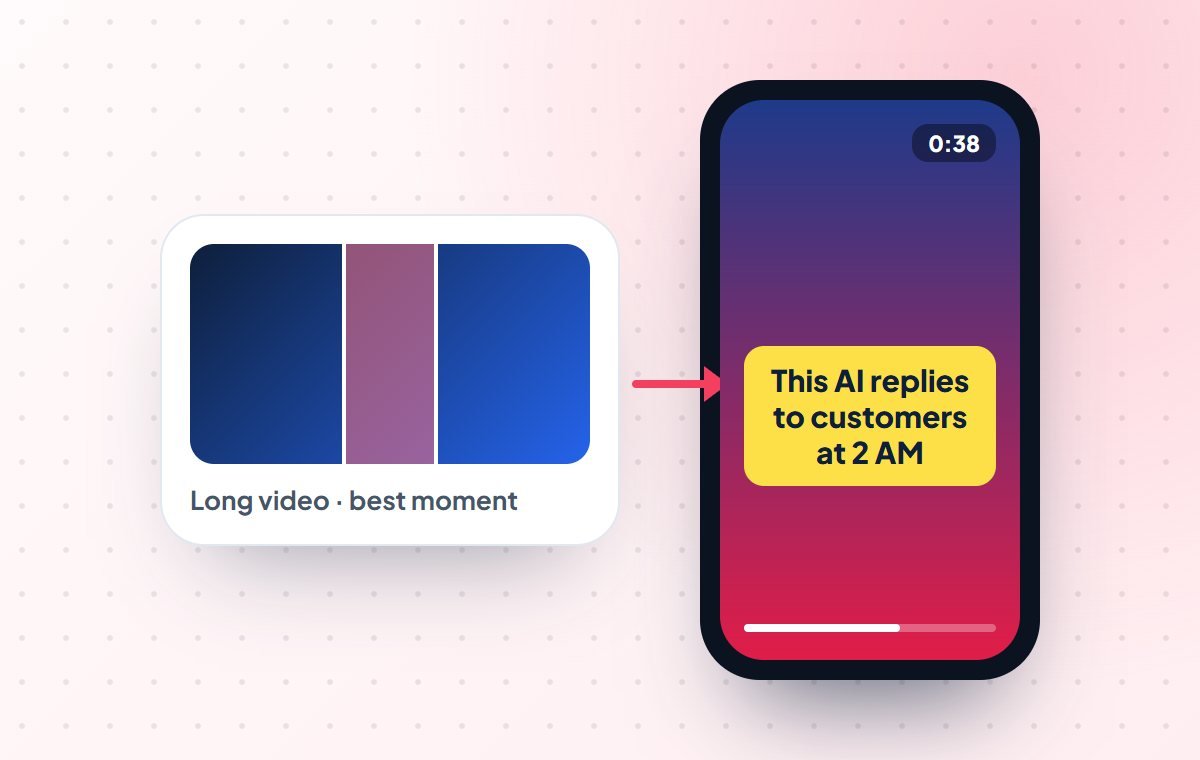
/yt-shortsFinds the best 30–60 second moments in your long video that make sense on their own, and writes a title and caption for each one as a Short.
- Use it when
- After you post a long video. One recording, many Shorts.
- You give
- The text of your long video with times.
- You get
- 3–5 Short ideas with start/end time, first line and caption.
Here is the text of my long YouTube video with times:

[PASTE TRANSCRIPT WITH TIMES]

Find 5 parts that will work as YouTube Shorts (under 60 seconds).
For each part give: start time, end time, a strong first line,
text to show on screen, and a title.
Only pick parts that make sense without the full video.Viewer Drop Checker
/yt-retentionChecks the graph in YouTube Studio that shows where people stop watching your video, explains why they left, and tells you what to change next time.
- Use it when
- People click your video but leave quickly.
- You give
- A screenshot or the numbers from YouTube Studio → Analytics.
- You get
- Where viewers left, why, and 3 fixes for your next video.
This is the "audience retention" data of my YouTube video
(the graph that shows where people stopped watching):

[PASTE NUMBERS OR DESCRIBE THE GRAPH]
Video length: [LENGTH]
My script (optional): [PASTE]

Tell me where most people stopped watching and why.
Give me 3 simple changes for my next video so people watch longer.Comment Reply Helper
/yt-commentSorts your comments into “reply first”, “reply later” and “skip”, and writes friendly replies in your style.
- Use it when
- You have many comments and no time to reply to all.
- You give
- The comments and 2–3 replies you wrote before.
- You get
- Ready replies you can check and post.
Here are the latest comments on my YouTube video:

[PASTE COMMENTS]

Here are 3 replies I wrote before, so you know my style: [EXAMPLES]

Sort the comments into: reply first, reply later, skip.
Write short, friendly replies for the first two groups, in my style.
Tell me if any comment needs a careful or private answer.Channel Checkup
/yt-auditChecks your whole channel like a doctor: your titles, thumbnails, how often you post and how your videos start. Then it tells you the top 3 things to fix.
- Use it when
- Your channel is not growing and you don’t know why.
- You give
- Your channel link, or your last 10 videos with their views.
- You get
- A simple report with the 3 most important fixes.
Please check my YouTube channel and tell me what to improve.

Channel: [CHANNEL LINK or NAME]
My last 10 videos: [TITLE – VIEWS – UPLOAD DATE]
My goal: [e.g. more subscribers / more customers]

Check my titles, thumbnails, how often I post and how my videos start.
Explain the problems in simple words.
Give me the 3 most important things to fix first.A simple weekly plan: one video every week
Posting regularly is more important than making a perfect video. This plan works even with a full-time job:
| Day | Work | Helpers | Time |
|---|---|---|---|
| Monday | Plan the week | Video Planner + Idea Finder | 20 min |
| Tuesday | Script, title and thumbnail | Script Writer + Title & Thumbnail Helper | 45 min |
| Wednesday | Record and edit | Editing Helper | 2–3 hrs |
| Thursday | Upload | Description Writer + Chapter Maker | 20 min |
| Friday | Shorts and comments | Shorts Maker + Comment Reply Helper | 40 min |
How to make your own YouTube skill (copy this template)
You can turn any prompt you like into a skill. A skill is just a small text file with two parts: a name and a short description at the top (so Claude knows when to use it), and your steps below. Save it as SKILL.md in its own folder.
---
name: yt-script
description: Write a YouTube video script from a simple idea, with opening line options and a full script. Use when the user asks for a video script or an opening line.
---

# YouTube script writer

1. If missing, ask for: topic, who will watch, video length and language.
2. Write 5 opening lines for the first 15 seconds. Score each out of 10.
3. Write the full script with the best opening line:
   - short, simple sentences that are easy to speak
   - a question, story or example every 1-2 minutes, so people keep watching
   - notes in [brackets] for what to show on screen
4. End by asking viewers to subscribe or comment.
5. Use simple words. No difficult English.- In the description, write when to use it: “Use when the user asks for…”
- Make one skill for one job. Make more skills for other jobs
- Add one of your best scripts as an example, so Claude copies your style
- Try it on a real video and keep improving the steps
Tips to get better results from Claude
Tell Claude about your channel once
Write 5–6 lines about your channel: topic, who watches, your language and your goal. Save it in a Claude Project, and every answer will sound more like you.
Show an example
Paste a script or title that did well before and say “write like this”. One example works better than long instructions.
Add your own stories
Use Claude to save time, then add your real experiences and local examples. People trust a real person, not a robot.
Ask for 5 options
Always ask “give me 5 options” and pick the best one. The first answer is not always the best answer.
YouTube rules for using AI (keep your channel safe)
- If your video has a realistic AI voice or fake real-looking scenes, tick the AI label in YouTube Studio
- Using AI for scripts, titles and descriptions does not need any label
- Add something of your own: your opinion, experience or a live demo
- Check numbers, prices and facts before you say them in the video
- Never copy another creator’s script or thumbnail. Learn from them, don’t copy them
- Always read everything once yourself before you publish
Claude is your helper team, not your face. Use it to save time. Your ideas, your stories and your style are what make people subscribe.
Want us to set this up for your business, with your own tools? See our AI & automation services, read about AI agents for small businesses, or check our digital marketing services.
Common questions about using Claude for YouTube
Can Claude make a full YouTube video by itself?
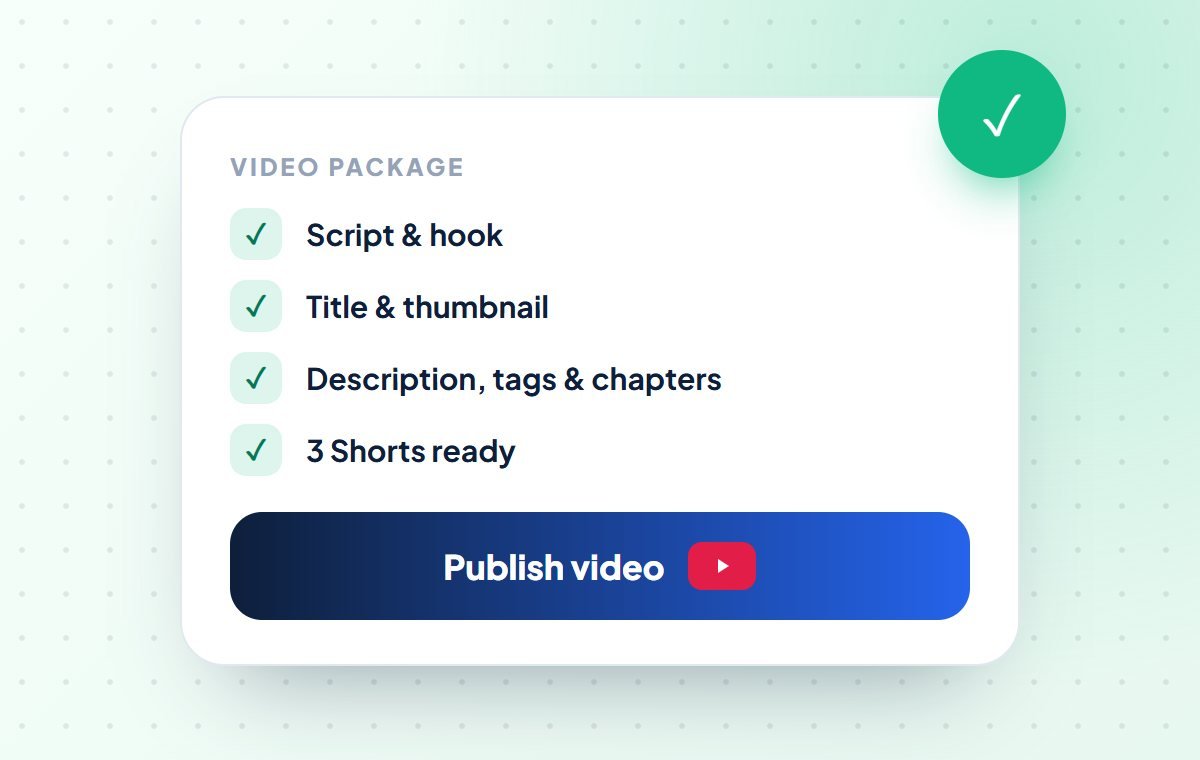
No, not fully. Claude does the thinking and writing: ideas, scripts, titles, thumbnail words, what to cut, descriptions, chapters, Shorts and comment replies. You still record, edit and upload the video. But this saves you more than half of the work.
What is a Claude skill, in simple words?
A skill is like a recipe card for Claude. It is a saved set of steps for one job, like “write a YouTube script”. When you ask for that job, Claude follows the recipe, so you get the same good result every time without explaining again.
Do I need to know coding?
No. Just copy the prompts from this guide and paste them into the Claude app on your phone or computer. Skills and Claude Code are only for people who want a faster setup later.
Is there an official “YouTube agent skill” from Anthropic?
Most YouTube skills are made and shared by other users, with names like yt-script, yt-seo and yt-shorts. The names can be different in different packs. Only install skills you trust, or make your own using the template in this guide.
Is it allowed to use AI for YouTube videos?
Yes. YouTube allows AI help. But if your video has realistic AI-made content, like a fake voice of a real person or a fake real-looking scene, you must tick the AI label in YouTube Studio. Using AI to write scripts, titles or descriptions does not need a label.
How much does it cost?
You can start with Claude’s free plan for small work. If you make videos often, a paid Claude plan gives you more usage and lets you paste longer video text. Skills have no extra cost.
Will AI scripts sound robotic?
Only if you use them without changes. Tell Claude your language and style, show an example, and add your own stories. Your viewers come for you; Claude just saves you time.
Can my business use this for its YouTube channel?
Yes. Shops, coaching centres, clinics and service businesses can use the same steps for product demos, tips and customer stories. Areez Software can also set this up for your team, connected to your own tools.
Helper commands follow the common “yt-” YouTube skill set and may have different names in other packs. Information is correct as of October 26, 2026. Please check YouTube’s latest rules before you publish videos made with AI help.